

A low monthly price can look appealing until you ask the questions that determine whether a system really fits: Who answers when the button is pressed? Will it work during a power outage? Does the wearer need to charge anything? Those details separate one at-home medical alert system from another.
You do not need to become a technical expert to compare them. Focus on how the system connects, where the help button works, who receives an alert, and what the complete service costs. Once those answers are clear, the right type of system is usually easier to identify.
What an At-Home Medical Alert System Actually Does
An at-home medical alert system is built around a simple process: a person presses a wearable help button, and the system begins a prearranged response. Depending on the provider and plan, that may mean connecting to a monitoring center, notifying selected family members, contacting emergency services, or combining several steps.
Affiliate Disclosure: As an Amazon Associate, Simply Useful Tech earns from qualifying purchases.
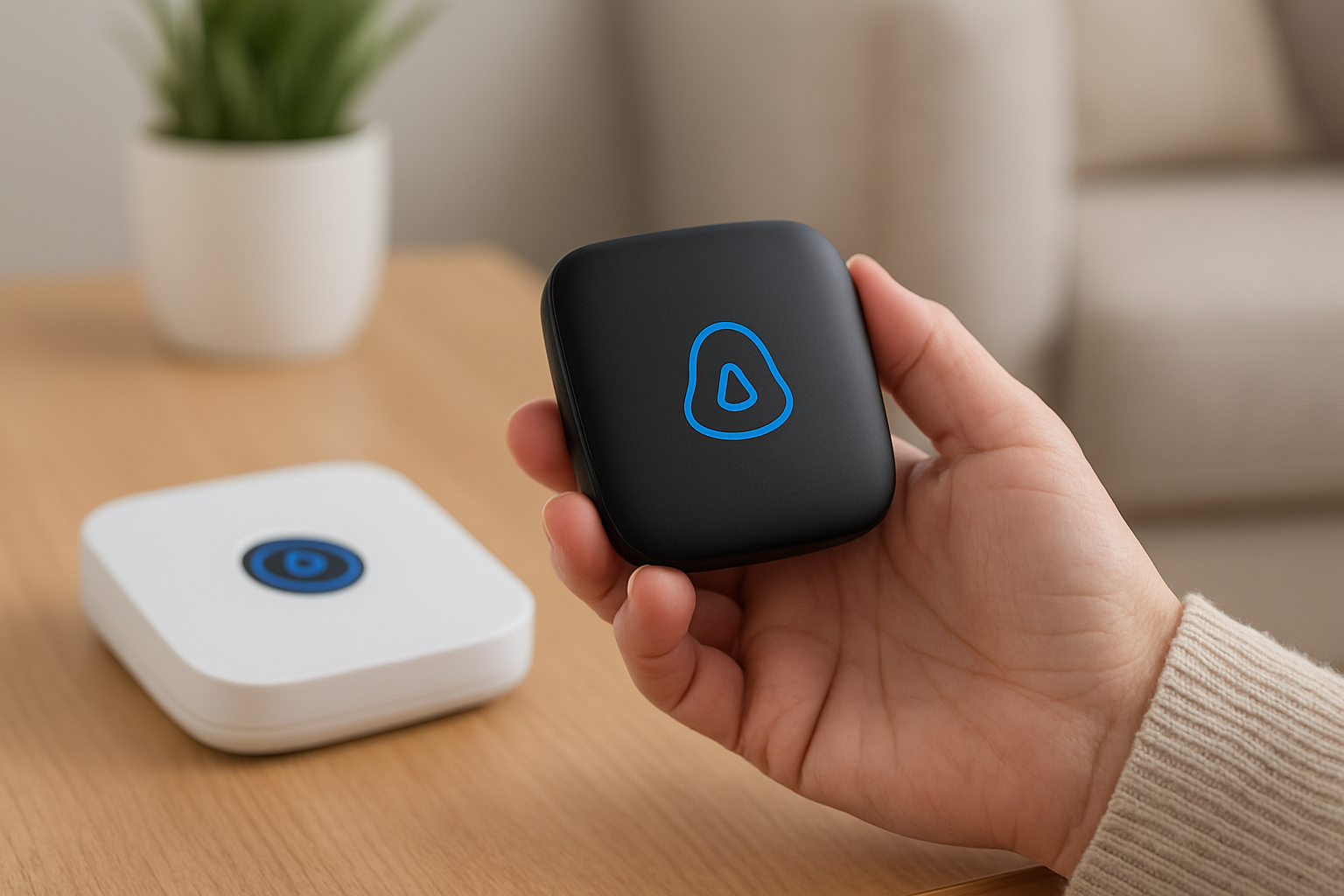
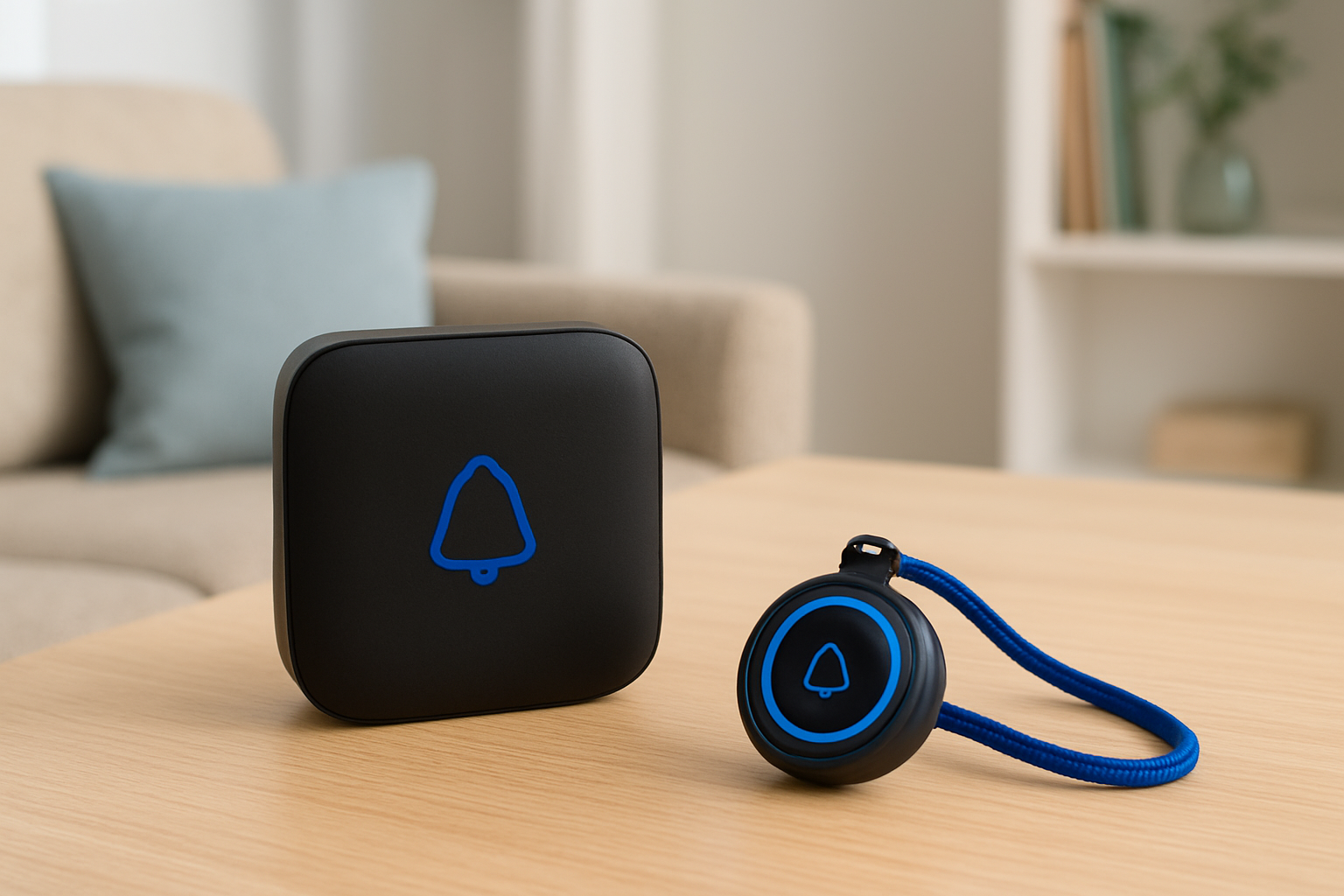
Most at-home setups include a base station that stays in the home and a wearable button. The base station acts as the communication hub. It may allow the wearer to speak with a responder through its speaker and send the alert through a landline or cellular connection.
That is different from simply keeping a phone nearby. A phone must be within reach, charged, and usable in a stressful moment. A wearable help button is designed to be easier to reach because it is worn.
It is also different from a family-notification device. A caregiver pager may alert someone else in the home, but that does not mean a trained monitoring center is involved or that emergency services will be contacted. The response path matters more than the label on the box.
The First Comparison: Landline, Cellular, or a Hybrid Setup?
The first practical choice is how the base station communicates outside the home.
| Connection type | May suit you if | What to verify |
|---|---|---|
| Landline | You have a working, compatible home phone line and prefer a fixed home setup. | Whether your phone service qualifies, how installation works, and what happens if the phone service goes down. |
| Cellular | You do not have a landline or want more flexibility about where the base station sits. | Cellular coverage at the exact home address, the network used, and what the provider says about outage backup. |
| Hybrid or multiple options | You want to compare connection choices rather than assume one works everywhere. | Which option is offered in your area and whether costs or equipment differ by connection type. |
Cellular does not automatically mean “better,” and a landline does not automatically mean “more dependable.” The sensible choice is the connection that is reliable in the home. If cellular reception is weak in the kitchen or bedroom, discuss that before ordering.
Ask the provider whether it can confirm service availability for the installation address. Also ask what happens if electricity is interrupted, including whether the base station has battery backup and how long that backup is expected to last. Treat those as provider-specific details to confirm in writing or in the current service terms.
Wearable Buttons, Base Stations, and Everyday Reach
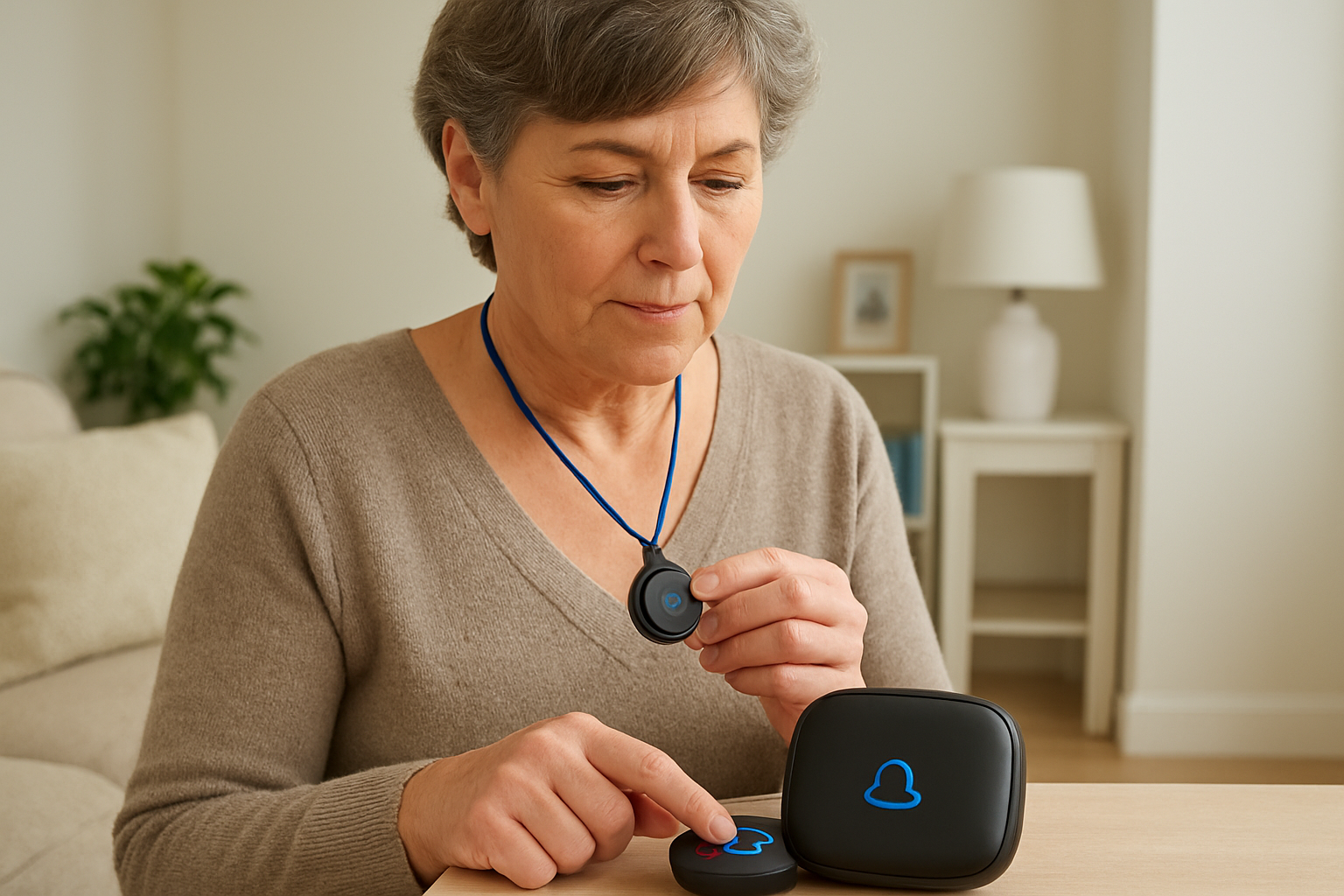
A help button only helps if it is nearby when needed. For most people, the best format is the one they will genuinely wear every day. Some systems may offer a pendant worn around the neck, a wrist-worn button, or other options. Availability varies, so verify the exact choices before signing up.
Comfort matters. A pendant may be easy to put on in the morning and leave on all day. A wrist option may feel more natural for someone who dislikes necklaces. Ask whether a second wearable is available for a spouse or another household member, and whether it costs extra.
Then ask about range: how far can the wearable button work from the base station? This is especially important in larger homes, garages, porches, basements, and yards. Do not rely on a general description. Ask for the stated range for the exact system and whether walls, floors, or outdoor distance can affect it.
Water resistance matters because the bathroom is a common place to need a wearable button. But terms such as “water-resistant” do not answer every practical question. Confirm whether the particular button can be worn in the shower, tolerate splashes, or needs to be removed before bathing.
Who Answers the Alert? Compare the Response Process
This is the question to put at the top of any comparison sheet: what happens after the button is pressed?
Professionally monitored services generally include a monitoring center in the response process. An operator may try to communicate through the base station, follow the account’s instructions, and contact the appropriate people based on the service arrangement. The exact order varies by provider and plan. A monitoring subscription should not be assumed to guarantee a particular response time or automatic emergency-service dispatch.
Other systems may notify a family member, neighbor, or caregiver instead. That can work well when someone is nearby and has agreed to respond. It is not the same as professional monitoring: a relative could be driving, asleep, at work, or unable to answer.
Before ordering, ask:
- Does the alert go first to a monitoring center, designated contacts, emergency services, or more than one destination?
- Can the account list multiple contacts and set an order for calling them?
- What information will the responder have about the person and the home?
- What is the process if nobody answers through the base station?
- Are monitoring services available at all hours, and what language support is offered?
A provider should be able to explain this clearly. If the response path is difficult to understand before you buy, keep comparing.
Fall Detection: A Useful Option With Important Limits
Some medical alert services offer automatic fall detection as an optional add-on. It is designed to recognize certain movements that may indicate a fall and initiate an alert without the wearer pressing the button.
Worth considering: Wireless Caregiver Pager

- [Wireless Life Guard] The Caregiver Pager allows you to get immediate assistance with just one button press, whether it’…
- [Long-Range & Expandable] The Caregiver Pager supports up to 1500FT wireless transmission between the call button and re…
- [Smart Alarm] Built-in 58 ringtones, the receiver of Caregiver Pager offers 5 adjustable volume levels ranging from 0 to…
Fall detection does not detect every fall or recognize every situation in the same way. It should not replace pressing the help button whenever the person can do so.
Ask whether fall detection is available for the wearable you are considering, whether it costs extra, and how the provider describes its limitations. Also ask whether it changes battery or charging needs. Choose it based on the person’s routine and whether they will consistently wear the compatible device, rather than treating it as a guarantee of protection.
Costs That Go Beyond the Advertised Monthly Price
A useful comparison includes more than the monthly monitoring figure. Plans may involve equipment costs, activation charges, shipping, taxes, add-ons, or fees related to cancellation or replacement equipment. Terms can change, so use the provider’s current information before deciding.
Make a one-page cost list for each service:
- Monthly monitoring fee
- Equipment purchase, rental, or lease arrangement
- Activation or setup charge
- Optional fall-detection charge
- Extra wearable or second-user cost
- Shipping and taxes
- Trial period and return rules
- Contract length, cancellation process, and related fees
Do not choose based on the first-month price alone. A slightly higher monthly total may be easier to live with if the response arrangement, equipment, and cancellation terms are clearer. A low introductory price is not a bargain if important features cost extra or the cancellation policy is difficult to navigate.
Power, Battery, Testing, and Cellular-Coverage Checks
Every system needs a simple maintenance plan. Find out what the base station needs during a power interruption, whether the wearable uses a replaceable battery or needs charging, and who handles replacement equipment. These details are provider-specific, so get the answer for the exact plan.
Set a reminder to test the system according to the provider’s instructions. Before testing, check whether advance notice or a specific procedure is required. A test call is also a chance to make sure the person can hear the base station and feels comfortable speaking through it.
For cellular systems, verify coverage where the unit will live, not only near the front door. If the person spends time in a back bedroom, basement, or detached area, mention that when asking the provider about fit.
If a family member is handling setup, keep the first conversation calm and practical: where the button will be worn, where the base station will sit, what the button does, and who will be contacted. A short practice run is often more useful than a long technical explanation.
Medical Alert System or Caregiver Pager? These Are Not the Same
A caregiver pager can have a role in a household where another person is regularly nearby and wants a simple way to be called from another room. It may be an additional communication tool, not an emergency service.
The available verified product information identifies a Wireless Caregiver Pager, but does not provide verified details about its range, alert method, power requirements, reliability, or emergency-monitoring arrangement. For that reason, it should not be treated as a substitute for a professionally monitored at-home medical alert system.
Before considering any caregiver-notification device, verify exactly who receives the alert, whether they can receive it away from home, and what happens if they do not respond. If the goal is a monitored emergency response process, choose a service that explicitly provides and explains that arrangement.
Questions to Ask Before You Order
- Is this an at-home plan, and is it available at my address?
- Does it use a landline, cellular connection, or both as options?
- What is the stated wearable-button range from the base station?
- What wearable styles are available, and will the person use the button every day?
- Who receives an alert, and what is the step-by-step response process?
- Is fall detection offered, what does it cost, and what limits does the provider describe?
- What happens during a power outage or a loss of phone or cellular service?
- What must be charged, replaced, or tested over time?
- What is the complete first-year cost, including every fee and add-on?
- What are the trial, return, contract, cancellation, warranty, and technical-support terms?
A Simple Way to Narrow Down Your Choice
Start with the response route. If professional monitoring is important, eliminate family-only notification devices early. Next, choose the connection type that makes sense for the home, then confirm coverage or line compatibility. Finally, compare wearability, range, backup arrangements, and the full cost—not just the headline monthly fee.
That order keeps the decision grounded in real life. The most elaborate feature list matters less than a button the person will wear, a base station that works where it needs to, and a response process everyone understands.
Keep exploring
Better lighting can make nighttime trips around the house more comfortable. Our comparison of motion-sensor lights and smart bulbs for nighttime paths explains the practical trade-offs without presenting lighting as a replacement for an alert system.
For other small upgrades that can simplify daily routines, see our guide to simple smart-home devices for a more comfortable, confident home.
Final verdict
There is no responsible “best overall” pick without current, provider-specific information. The better choice is the at-home medical alert system with a clearly explained response process, a dependable connection at the home, a wearable the person will keep on, and costs you can see in full before ordering. Verify those basics first, and the comparison becomes much less complicated.
Still deciding? Compare the product details, compatibility, and current Amazon listing before buying.
Latest from Simply Useful Tech
- Motion-Sensor Lights vs. Smart Bulbs: Which Makes Nighttime Paths Easier?
- Nothing Phone (4a) Pro: What to Check Before You Buy
- Best Indoor Security Cameras for Easy Home Monitoring
- 5 Indoor Security Cameras Worth Considering for a Simpler Setup
- Voice Assistants for Seniors: What to Check Before Buying