

You’re away for the afternoon and want to know whether the dog is on the couch, a package was brought inside, or a room at a second home looks as it should. An indoor security camera can help—as long as it provides a useful view without filling your phone with needless alerts or adding unexpected costs.
The best indoor security cameras are not necessarily the ones with the longest feature lists. For most homes, the right choice comes down to four questions: What do you want to see? Where will the camera sit? How will recordings be stored? And are the people in your home comfortable with it?
Quick answer: start with the room, not the camera
Begin by choosing the view you need. A camera aimed at a main entryway has a different job from one watching a pet’s favorite room or a basement door.
Affiliate Disclosure: As an Amazon Associate, Simply Useful Tech earns from qualifying purchases.
Prioritize a clear view, dependable power, manageable notifications, and storage you understand. A camera is most useful when checking it takes a few seconds—not when you have to sort through dozens of alerts or hunt for a recording.
For many indoor uses, a plugged-in camera is the simplest option. It can remain powered without recharging, although it needs a nearby outlet and a safely routed cable.
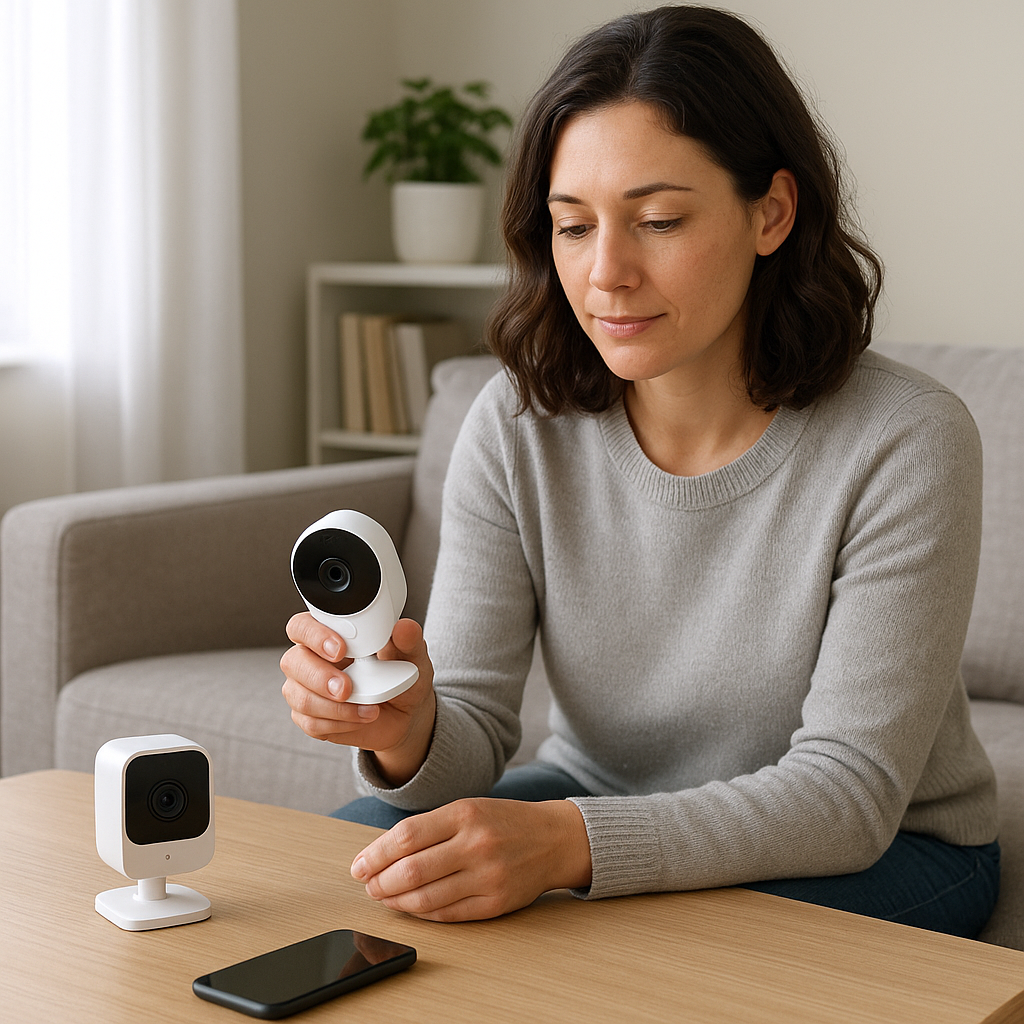
What an indoor camera can—and cannot—show you
An indoor camera can provide a live view through an app while the camera and internet connection are working. Depending on the model and storage setup, it may also save recordings for you to review later.
Common uses include:
- Checking a living room, hallway, mudroom, or entry area while you’re out.
- Seeing whether a pet is settled in its usual space.
- Checking whether an interior door appears closed.
- Looking at a vacation property between visits.
- Reviewing activity in a shared area when everyone knows the camera is there.
A camera cannot prevent a problem, guarantee that every event will be captured, or replace ordinary home security. Wi-Fi can fail, objects can block the view, and motion alerts can miss activity or react to something unimportant. Think of it as a convenient window into a room, not an emergency service.
Choose a useful and respectful position
Before comparing resolutions or brand names, stand where the camera might go and look at the room from that height. Aim to cover the route people or pets actually use rather than simply capturing the widest possible picture.
Places that often work well
- A main living area: Useful for checking pets, general activity, or an interior door.
- A hallway: A narrow space can provide a clear view of movement between rooms.
- An entry or mudroom: Helpful for seeing activity after someone has come inside.
- A second-home common area: A practical place to check between visits.
Places to avoid
Do not put cameras in bathrooms, guest sleeping areas, or other places where someone reasonably expects privacy. Be especially thoughtful about bedrooms. Tell household members and regular visitors where cameras are and whether they record sound as well as video. Privacy and recording rules vary, so check the requirements that apply where you live.
Avoid aiming directly at a bright window. Strong backlighting can turn a person into a dark outline. An angle across the room, with the window off to one side, usually works better. Check that doors, plants, and lamps will not block the view during normal use.
Features that make a camera easier to live with
| Feature | What it means | What to check |
|---|---|---|
| Live view | A current video feed in the camera’s app. | Whether an account is required and how quickly the feed opens. |
| Motion zones | Parts of the picture where you want movement to count. | Whether you can exclude windows, fans, or other busy areas. |
| Motion sensitivity | How readily movement triggers an alert. | Whether sensitivity and notification schedules can be adjusted. |
| Night vision | A way to capture video in low light or darkness. | How well it works at the distance and in the lighting you need. |
| Two-way audio | A microphone and speaker used through the app. | Whether you need it and whether household members accept audio use. |
Motion zones can make a noticeable difference. If a camera sees moving curtains, a television, or a window, limiting detection to a doorway or pet area may reduce unwanted alerts.
Start with motion sensitivity in the middle of its range. After a few days, lower it if notifications are too frequent. An alert schedule can also limit notifications to times when you are away or asleep.
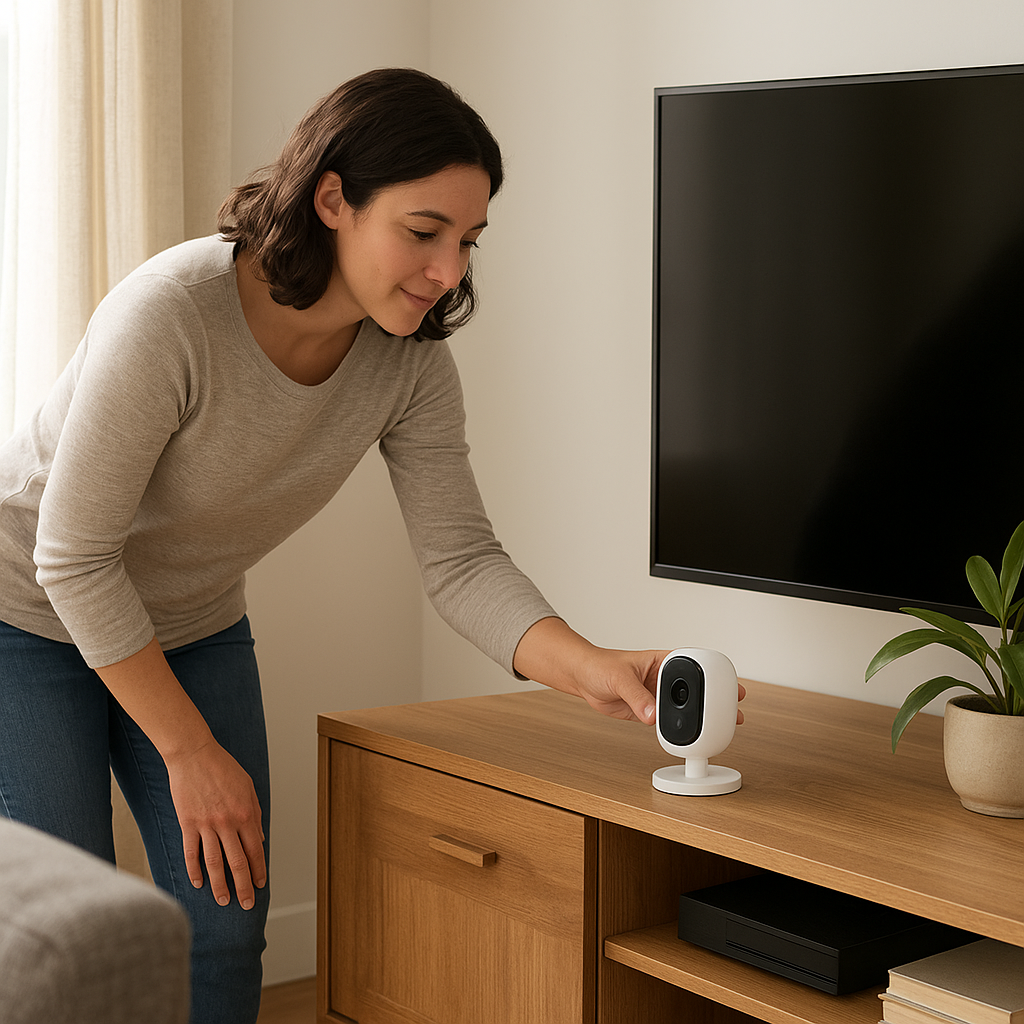
Video quality, night vision, and camera movement
Higher resolution can capture more detail, but the number alone does not guarantee a useful picture. Lighting, distance, angle, glare, and connection quality all affect what you can see.
For a typical room, first make sure the important area is in view. If you mainly care about one door, a well-positioned fixed camera may be more useful than a model designed to scan every corner.
A pan-and-tilt camera can move its view around a larger room, either automatically or through the app, depending on the model. A fixed wide-angle camera is often simpler when there is one clear point of interest. Check whether a moving camera returns to its usual position and what happens if activity occurs outside its current view.
Worth considering: REOLINK 4K Indoor Camera, 3X Optical
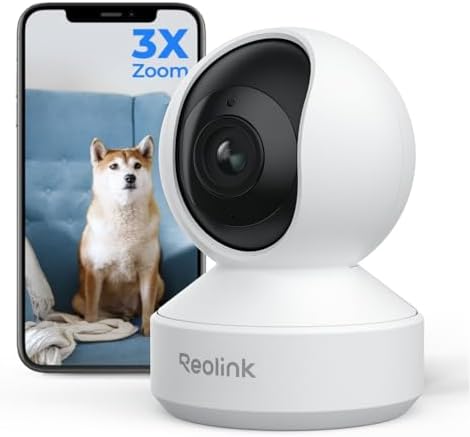
- 4K ULTRA HD VIEW & 3x OPTICAL ZOOM: Capture every detail in stunning 4K clarity. The professional-grade lens and 3X opti…
- PAN, TILT & AUTO-TRACKING: Achieve full 360° coverage with ease. This smart PT camera detects and auto-tracks people and…
- DUAL-BAND WI-FI 6 & BLUETOOTH SETUP: Experience faster, more stable connections with Wi-Fi 6. Seamlessly switch between …
Zoom can help you inspect part of an image, but it cannot recover detail that was never captured clearly. Consider the room layout, field of view, lighting, and storage before paying extra for a headline resolution or zoom figure.
Local storage vs. cloud storage
Storage is where an apparently simple purchase can become confusing. Cameras generally use one or more of these approaches:
- Live view only: You can watch in real time, but there may be little or no recorded video to review.
- Local storage: Recordings are kept at home, often on a memory card, hub, recorder, or another supported device.
- Cloud storage: Recordings are stored through the manufacturer’s online service, sometimes for a monthly or annual fee.
Do not assume alerts, recording history, clip downloads, or advanced detection are included. Check the manufacturer’s current plan details before buying. Find out what works without payment, how long recordings are retained, what storage hardware is required, and what happens if you cancel a plan.
Local storage may suit you if you want to avoid a recurring fee and do not mind managing storage hardware. Cloud storage may be more convenient if you want remote access to saved clips. Neither is automatically better; the right choice is the one whose costs and controls you understand.
The product listing supplied for this guide
The only product listing supplied for this guide is the REOLINK 4K Indoor Camera, 3X Optical (ASIN B07Z841XYD). The supplied name describes it as an indoor camera and includes the terms “4K” and “3X Optical.”
Those name-level details are not enough for a recommendation. The available research does not confirm the exact model’s current specifications, power method, storage choices, app requirements, Wi-Fi support, privacy controls, subscription terms, or compatibility.
Treat it as a camera to investigate rather than a declared best pick. Confirm that the model number on the current retailer listing matches the manufacturer’s information, as product titles and included accessories can change.
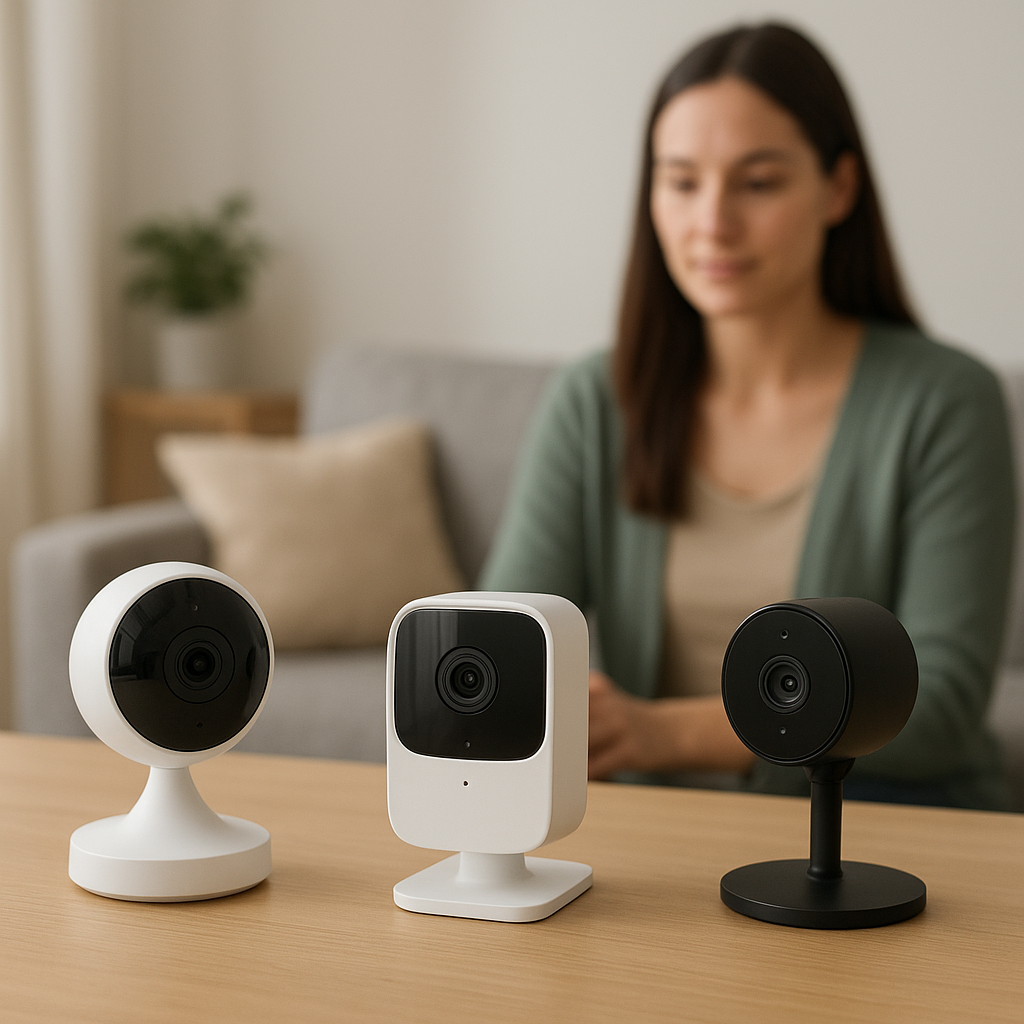
What to verify before buying the Reolink camera
Use the current official product page and retailer listing to answer these questions:
- Does the exact model number match the listing?
- What power source does it use, and is the adapter included?
- Which Wi-Fi bands and router settings does it support?
- Where are recordings stored, and is extra storage hardware required?
- Which features, if any, require a subscription?
- Are mounting hardware and a storage card included?
- Which phones, app versions, and smart-home systems are supported?
- Can access be shared with another person and removed later?
- What are the current warranty, return, and support terms?
Privacy checklist for an indoor camera
- Use a strong password that you do not use for another account.
- Enable two-factor authentication if it is offered. This requires a second sign-in step, such as a code from an authentication app.
- Install firmware updates. Firmware is the software built into the camera.
- Review who can use the app and remove access that is no longer needed.
- Check how to delete recordings, close the account, and reset the camera before selling or giving it away.
If you do not want the camera active while you are home, unplug it or use a verified privacy control. Read the manufacturer’s explanation carefully: a privacy setting may affect video, audio, recording, and remote access in different ways.
Setup tips for a clearer view and fewer alerts
- Place the camera high enough to see across the room, but not so high that everything is viewed only from above.
- Test the picture in daylight and after dark before fixing the camera in place.
- Keep it away from direct sunlight, heating vents, and objects that move constantly.
- Check the Wi-Fi signal where the camera will sit.
- Create motion zones around the area you actually care about.
- Adjust one notification setting at a time after a few days of normal use.
Indoor security camera FAQs
Do I need a battery-powered indoor camera?
Usually not. A plugged-in camera is often simpler indoors because it does not need recharging. Choose based on outlet access, safe cable placement, and the view you need.
Will an indoor camera work if the internet goes out?
Remote live viewing generally requires an internet connection. Whether recording continues depends on the camera and its storage setup, so check the official documentation for the exact model.
How do I stop constant motion alerts?
Exclude busy areas with motion zones, lower sensitivity gradually, and use an alert schedule. Change one setting at a time so you can see what helps.
Final verdict
The best indoor security camera is one that covers the right part of your home, sends alerts you will pay attention to, and uses storage and privacy controls you understand. Start with the room, then verify the details of any model before buying. The supplied Reolink listing may be worth investigating, but there is not enough verified product evidence here to judge its current capabilities or recommend it over another camera.
,
Still deciding? Compare the product details, compatibility, and current Amazon listing before buying.