

It’s 9 p.m., you’re settled in, and the lamp across the room is still on. Or you’re walking down a dim hallway and would like the light to come on before you reach the switch. These are the everyday moments when smart-home technology can be genuinely useful.
The goal isn’t to turn your house into a science-fiction set. It’s to make one or two routines less bothersome. The most useful smart home devices for seniors are often straightforward: a plug that controls a lamp, a speaker that sets spoken reminders, or a light that follows a simple schedule.
Start small. Choose one routine that annoys you, then look for one device that addresses it. This keeps costs and setup under control while helping you learn which features you will actually use.
Affiliate Disclosure: As an Amazon Associate, Simply Useful Tech earns from qualifying purchases.
Start With the Everyday Problem, Not the Gadget
“Smart home” is a broad term. It can describe anything from a light controlled by an app to an internet-connected door lock. That doesn’t mean every category belongs in every home.
Instead of asking, “Which smart devices should I buy?” ask, “What would make one part of my day easier?”
- Do you want to turn a lamp on without getting up?
- Would a spoken reminder for an appointment or regular task help?
- Would you like a light to come on at the same time each evening?
- Do you want hands-free access to music, weather or news?
- Would checking whether a lamp is off save you an unnecessary trip across the room?
These are good starting points because the benefit is clear. You should be able to explain a device’s job in one sentence. If you can’t, it may add more complexity than convenience.
A good setup also preserves familiar controls. Keep a lamp’s ordinary switch usable, and make sure everyone in the household knows how to operate the device without an app or voice command where possible. Smart controls work best when they add choices rather than take them away.
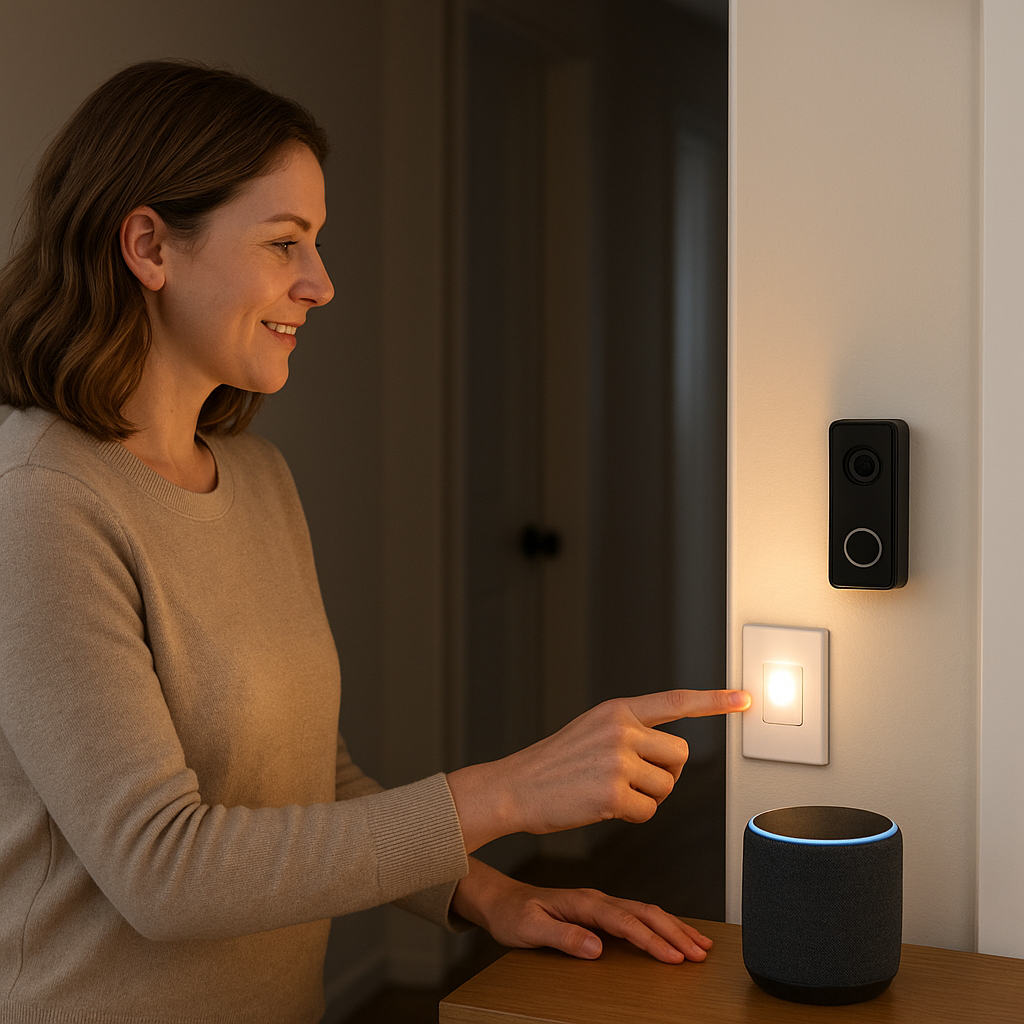
The Easiest Smart-Home Devices to Add First
For a first purchase, lighting, a smart plug or a voice assistant usually makes more sense than a complicated security or monitoring system. Each can solve a recurring frustration without requiring you to automate the whole house.
A smart plug for a suitable lamp
A smart plug sits between a wall outlet and the device you want to control. Depending on the model, it may let you switch the device on or off from an app, create a timer or set a regular schedule.
A lamp is a particularly approachable use because the appliance is already familiar. You are simply adding another way to control it.
The supplied research identifies the TP-Link Kasa Smart Wi-Fi Plug Slim (EP25) as one example. Wirecutter reports that it supports remote control, timers, scheduling, voice control through major smart-home platforms and energy-use monitoring in its app.
Those features could be useful for a living-room lamp that follows a regular evening schedule. However, product versions and platform support can change. Before ordering, check the current manufacturer information for the exact EP25 sold in your country, including its electrical rating, app and account requirements, and compatibility with your preferred platform.
Do not assume a smart plug is suitable for every appliance. Check both the plug manufacturer’s instructions and the appliance’s electrical requirements. Avoid using one with heaters, high-demand appliances or equipment that the manufacturer says should not be remotely switched.
A smart bulb for one useful light
A smart bulb can suit a bedside lamp, living-room lamp or another fixture you would like to control from a phone, schedule or compatible voice assistant. Some bulbs connect directly to Wi-Fi, while others need a hub or another compatible device.
Think about how the existing switch will be used. Many smart bulbs need power to remain available if you want to control them through an app or voice command. If someone routinely turns the wall switch off, the smart controls may stop working until power is restored.
For a shared room, predictable controls matter more than a long list of settings. One lamp that comes on at a sensible time is often more useful than several lights with complicated scenes and color options.
A smart wall switch for an existing light
A smart wall switch may make more sense when several bulbs are controlled by one switch or when you want the wall control to remain the main way everyone operates the light.
Installation requirements vary with the switch and your home’s wiring. Check compatibility carefully, and use a qualified electrician if the installation involves household wiring and you are not equipped to do that work safely.
A voice assistant for hands-free requests
A voice assistant is a speaker that responds to spoken requests. It can be handy when your hands are full, you do not want to find your phone, or you want to set a reminder before the thought slips away.
The supplied research identifies the Amazon Echo Dot as a voice-activated home assistant and supports examples such as spoken reminders, music, weather and news. It does not establish which current Echo Dot model is the right choice, so check Amazon’s current product information before buying.
Look at the required app, account and Wi-Fi connection, along with the available microphone and privacy controls. Placement matters too: a speaker in a room where you spend time is more useful than one tucked away where requests are difficult to hear.
When Voice Control Helps—and When It Doesn’t
Voice control is convenient, but it is not essential. It works best for short, repeatable requests, such as setting a timer, asking for the weather, playing music or controlling a compatible light.
It may be less helpful if you prefer buttons, find spoken commands unreliable, have difficulty hearing the device’s response or share your home with people who do not want to use voice control. Visitors may not know the right command either.
Before buying, consider whether the speaker lets you adjust response volume and whether the companion app is comfortable to read and navigate. If practical, try a demonstration in a shop or on a family member’s device to see whether voice recognition feels natural to you.
Keep another workable way to handle basic tasks. Physical switches, ordinary appliance controls and manual door access should remain available where they make sense. Your home should not depend on anyone memorizing a particular phrase.
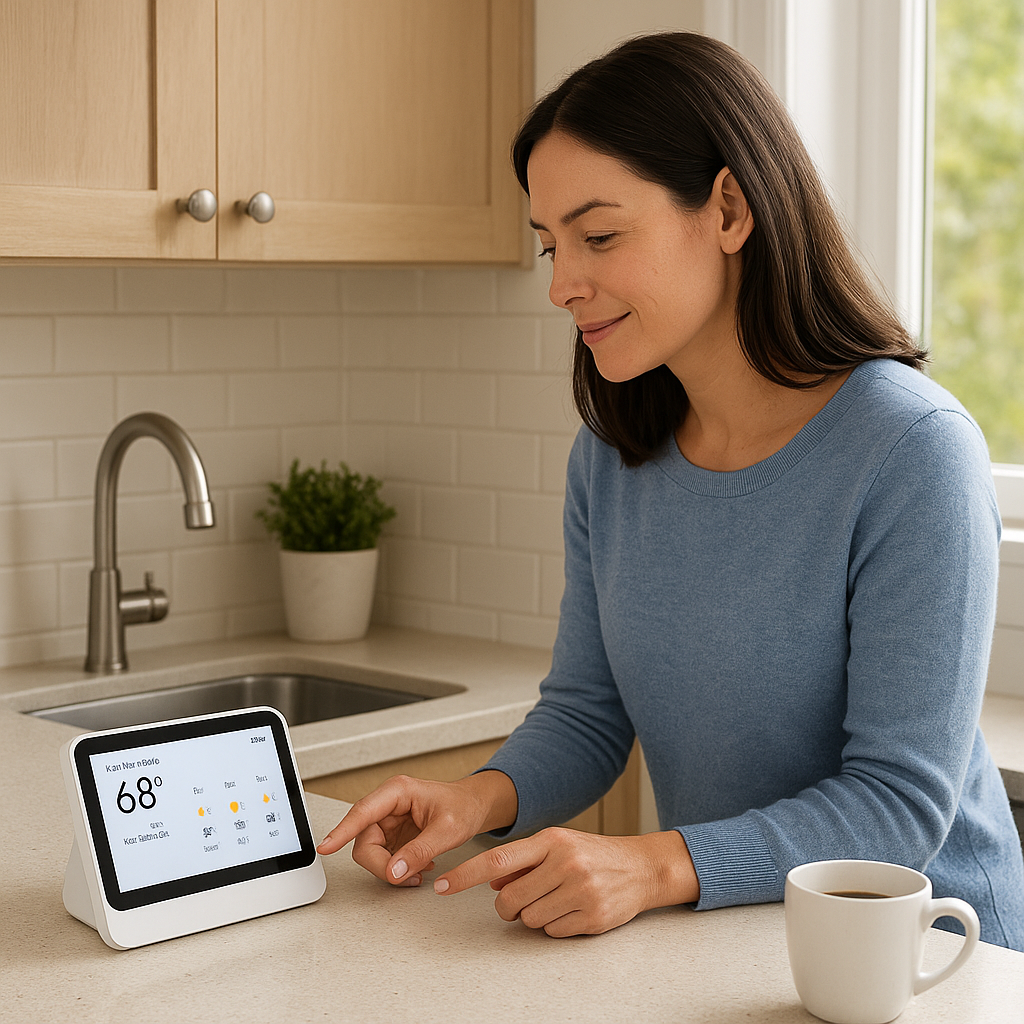
What to Check Before Buying a Smart Doorbell, Camera or Lock
Doorbells, cameras and locks deserve more thought than a lamp or speaker. They can involve recordings, household access, notifications and paid services, so they are not automatically the best first purchase.
Start by defining the job. “I want to know when someone rings the doorbell” is specific. “I want more security” is much broader, and no consumer smart-home device can guarantee that outcome.
- Who will use it? Decide who needs access and how shared access will be managed.
- What will it collect? Check whether it records audio, video, activity or location information.
- Where is information stored? Find out whether recordings stay on the device, use cloud storage or offer both options.
- Is there a subscription? Check what works without a paid plan and which features cost extra.
- What is the manual backup? A connected lock should not leave the household without a practical entry method if the app, network or power is unavailable.
- Who else is affected? Consider household members, guests, neighbors and anyone who may be recorded.
Indoor cameras need particular care. Everyone affected should understand where a camera is placed, what it captures and who can view the recordings. Recording and notification rules vary by location, so check the requirements that apply where you live.
Do not treat a camera, doorbell, lock or voice assistant as an emergency-response system. These products may add convenience, but they do not replace an emergency plan, a medical alert service or emergency services.
Will It Work With Your Phone and Other Devices?
Compatibility can turn an apparently simple purchase into a frustrating one. Before buying, find out how the device is set up, how it is controlled and whether it fits the equipment you already use.
You may see names such as Alexa, Google Home, Apple Home, SmartThings and Matter. Here is the plain-English version:
- Alexa, Google Home, Apple Home and SmartThings are smart-home platforms. Compatible products can often be managed through the platform’s app or voice assistant.
- Matter is a shared smart-home standard intended to help compatible products work across supported platforms. A Matter logo is helpful, but you should still check the precise setup requirements.
- A hub is a device that helps certain smart-home products communicate. Some products need one, while others connect directly to your home Wi-Fi or another supported system.
Do not assume a product works with every platform because it works with one of them. Compatibility, electrical versions and product availability can differ by country. Check the manufacturer’s page for your region and confirm support for the platform you use.
The supplied evidence says the Kasa EP25 works with major smart-home platforms for voice control, but it does not establish Matter support. Confirm current compatibility for the exact regional model rather than assuming it supports every newer standard.
Also decide who will manage setup. Many products use a phone app, and some require an online account. If several people need control, check how household sharing works. Make sure the app supports the phones or tablets you plan to use and that its text and controls are comfortable to read.
Privacy, Subscriptions and Internet Outages
Product pages tend to emphasize features. The details below have a greater effect on whether a device remains pleasant to use after the first week.
Privacy and account security
For a device with a microphone, camera, app or account, read the privacy information during setup. Look for controls covering saved activity, recordings, notifications and account access. Review the defaults rather than assuming they match your preferences.
Use a strong password that you do not reuse for another account. If the service offers an additional sign-in verification step, turning it on can provide extra protection. Give account access only to people who need it.
Subscriptions and ongoing costs
Ask three questions before buying: Does the device require an account? Do any features require a paid plan? What will continue to work if you do not subscribe?
This is particularly relevant to cameras and video doorbells, where recording history or other features may depend on a plan. Terms vary, so check the current product information rather than relying on an older review.
Internet and power interruptions
Connected products handle outages in different ways. Read the manufacturer’s guidance on what happens if Wi-Fi or power is unavailable. Check whether physical controls still work, whether schedules run locally, and whether any settings need attention when service returns.
This is another reason to begin with one or two devices. A small setup is much easier to understand when the router changes, an app is updated or a device needs to be reconnected.
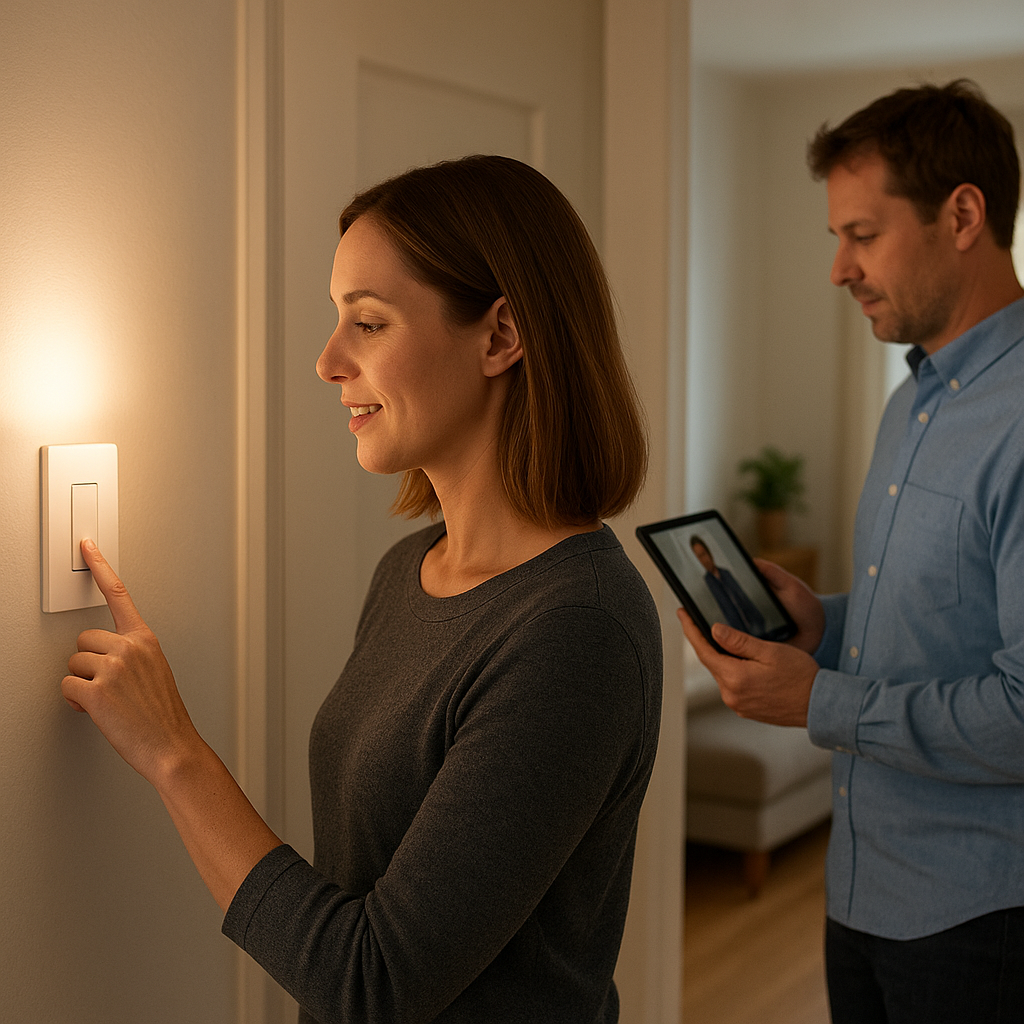
A One-Device-at-a-Time Buying Plan
You do not need to choose a platform, buy a hub and outfit every room at once. Start with one useful routine and see whether the device earns a place in your day.
- Choose one small frustration. For example: “I want the living-room lamp to come on in the evening without walking across the room.”
- Pick the simplest suitable category. That might be a smart plug, bulb, wall switch or voice assistant.
- Check the requirements. Confirm Wi-Fi, app and account needs, regional availability, electrical suitability and compatibility with anything you already own.
- Review the controls. Look for readable instructions, clear buttons or switches, manageable app text and an ordinary way to operate essential functions.
- Set it up in one room. Avoid adding several unfamiliar devices on the same day.
- Use a clear name. “Living-room lamp” is easier to remember than a vague label such as “light one.”
- Try it for a week or two. If it saves steps or removes a recurring annoyance, consider whether a second device would help.
Keep a simple note with the app name, account email, device location and purpose. Store passwords in a reputable password manager rather than in an exposed household note. Clear records make future troubleshooting less mysterious and prevent the system from depending on one person’s memory.
Frequently Asked Questions
What is the easiest first smart-home device?
For many people, a smart plug used with a suitable lamp is an approachable first step because its purpose is obvious. A voice assistant may be a better fit if spoken reminders, timers, music or weather updates are your main goal.
Do I need a smart speaker?
Not always. Many products can be controlled through their own app, schedule or physical control. A compatible smart speaker adds voice control, but it is not automatically required. Check the setup requirements for the exact product.
Do I need a hub?
Some products need a hub and others do not. The manufacturer’s setup information should tell you whether a separate device is required. Check this before ordering, especially if you want to avoid buying another piece of equipment.
Will smart devices work if the internet goes down?
It depends on the product and the feature. Some physical controls or locally stored schedules may continue to work, while app and voice commands may not. Check the manufacturer’s outage information and keep a practical manual control for everyday tasks.
Should I buy several devices at once?
Usually not. One device is easier to set up, understand and troubleshoot. Once you know it fits your routine, you can make a more informed decision about adding another.
Final Verdict
The most useful smart-home device is not necessarily the one with the longest feature list. Start with a clear routine: a lamp you want to control more easily, a reminder you want to hear aloud or a light you would like to run on a simple schedule.
Confirm compatibility, check privacy and subscription details, and preserve familiar controls. A small setup that everyone understands is far more useful than a house full of technology no one enjoys using.