

You leave for an afternoon and wonder whether the dog is sleeping on the sofa, whether the contractor has arrived, or whether that odd sound in the hallway was worth worrying about. An indoor security camera can answer a simple question quickly—but only if it is pointed at the right place, stays connected, and does not fill your phone with alerts you soon ignore.
You do not need to become a home-security expert to choose one. For most people, the simpler approach is to decide what they want to see first, then choose the camera style, storage arrangement, and controls that suit that job.
Start Here: What Makes an Indoor Camera Easier to Live With
Indoor security cameras can look remarkably similar on a store shelf. The meaningful differences often appear after setup: where recordings are saved, how clear the app feels, whether the camera stays connected, and whether notifications can be adjusted to fit everyday life.
Affiliate Disclosure: As an Amazon Associate, Simply Useful Tech earns from qualifying purchases.
Before comparing models, answer these questions:
- Do you want to watch one fixed spot, such as a doorway, hallway, or pet bed?
- Do you need to look around a larger room?
- Would you rather save clips on a memory card, in a cloud account, or have both options?
- Are you comfortable using a phone app and creating an account?
- Is there a power outlet close to the proposed location?
One detail catches many buyers out: a camera may connect through Wi-Fi and still need to remain plugged into power. “Wireless” often describes the network connection rather than the power source, so check before deciding where the camera will go.
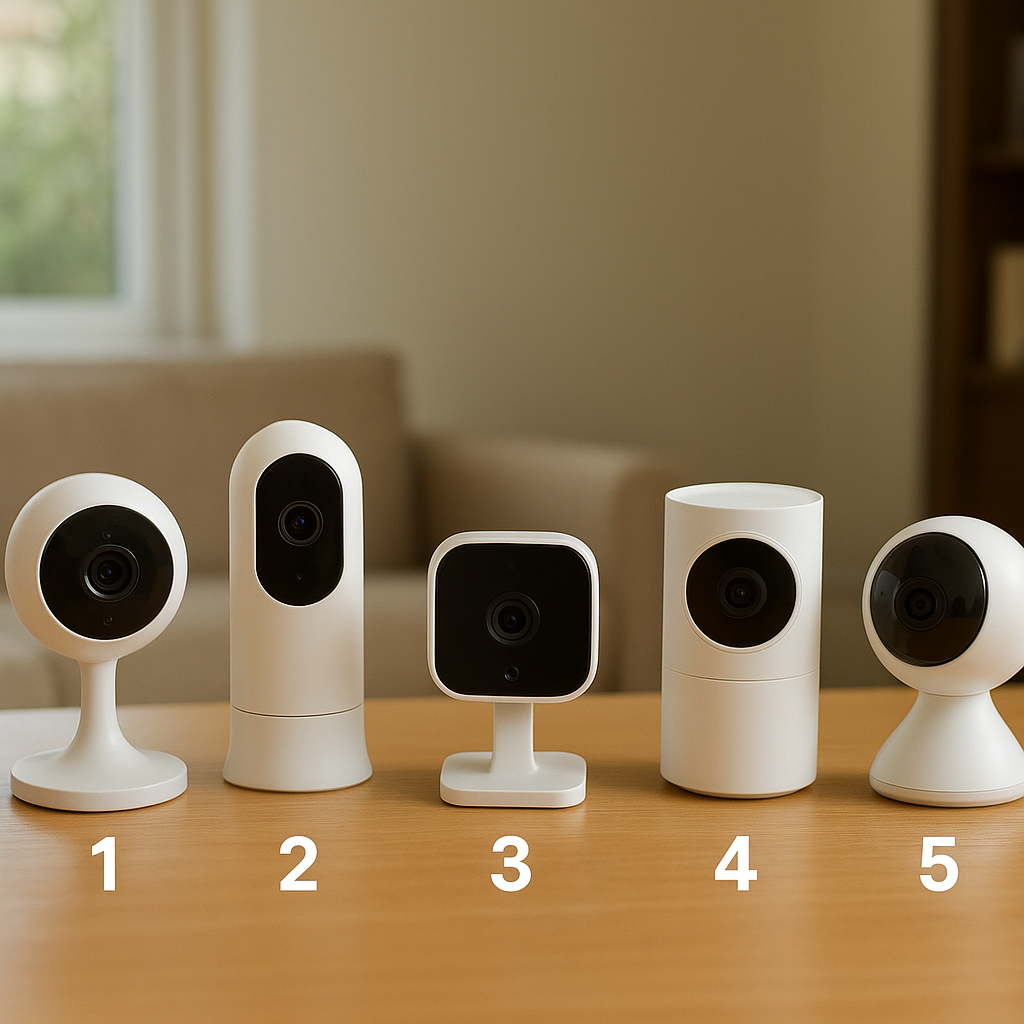
1. A Fixed-View Camera for a Doorway, Hall, or One Important Room
A fixed-view camera stays pointed in one direction. It is a sensible starting point when there is one clear area you want to check, such as a front hall, back door, pet area, cabinet, or entryway.
Its main advantage is simplicity. Once the angle is right, there is little to manage: open the app and you see the same view each time.
Good placement matters more than chasing the largest resolution number on the box. A camera aimed toward a bright window can leave nearby faces and details in shadow. One placed too high in a corner may show plenty of ceiling but very little of the area that matters. Before mounting anything, set the camera on a shelf or table and inspect the live view on your phone.
For a doorway, aim slightly across the route people use rather than steeply down at the floor. For a pet area, make sure the bed, food station, or favorite resting place is genuinely in frame. A clear, well-lit view is usually more useful than an extremely wide view in which everything appears small.
2. A Pan/Tilt Camera for Covering More of a Room
A pan/tilt camera lets you move the view through its app. This can be useful in a large living room, open kitchen, playroom, or another space where one fixed angle would leave too much unseen.
More coverage is not automatically better, though. Moving the camera is helpful when you genuinely need to inspect different parts of a room. If your main aim is to see one doorway, a fixed camera may be quicker and less fussy.
Think about how you will use the camera on an ordinary day. Will you mostly open the app for a quick look at one area, or will you regularly want to look left and right? Let that answer guide your choice.
A movable camera can also tempt you to overthink placement. You may not need it in the center of a room if a shelf near the entrance provides the view you need. Start with the least intrusive position that still answers your question.
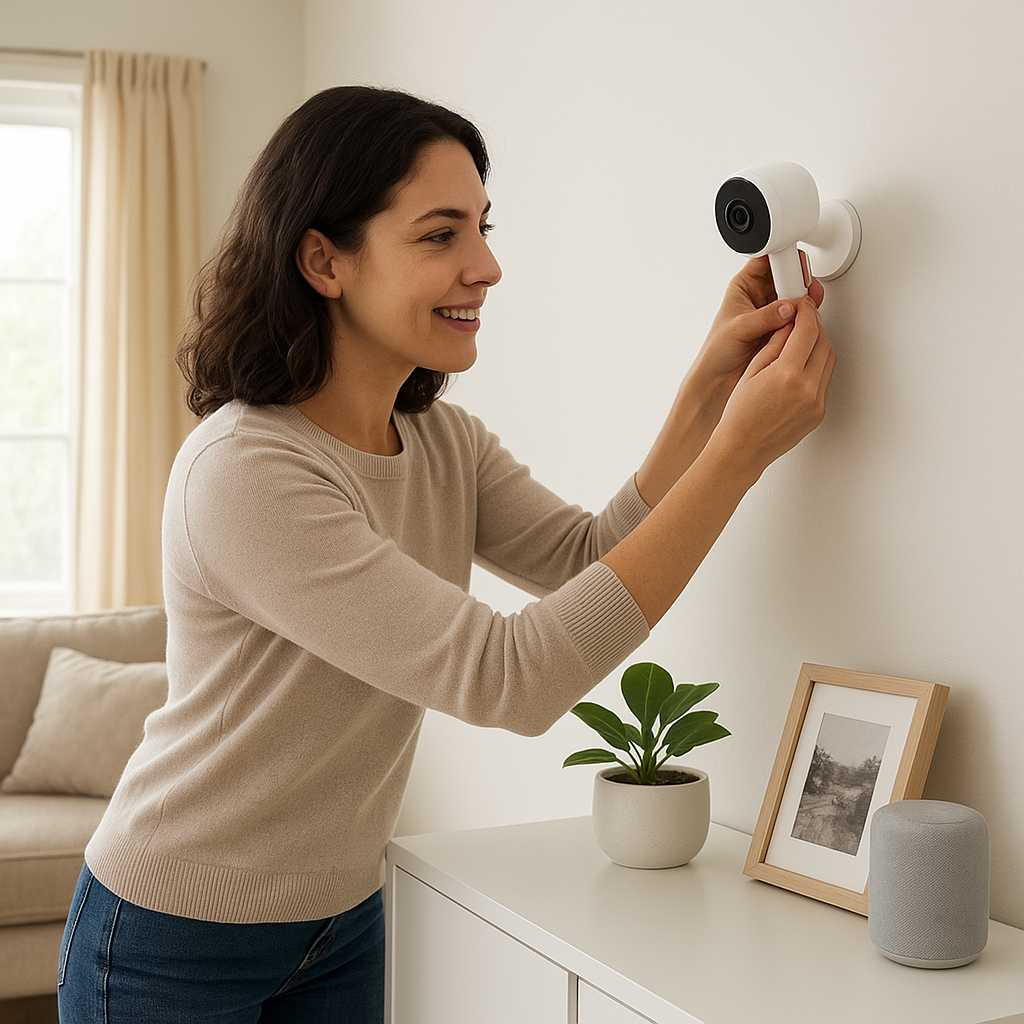
3. A Camera That Can Record Locally Instead of Relying Only on the Cloud
“Local storage” usually means recordings are saved on a microSD card associated with the camera. “Cloud storage” means clips are saved through an online service and accessed using the camera’s app. Some cameras offer one method; others offer both.
Neither arrangement is automatically right for everyone.
| Storage approach | Why it may appeal | What to check |
|---|---|---|
| Local storage | May provide recordings without relying entirely on a paid online plan. | Whether a card is included, which cards are supported, how recordings are reviewed, and what happens when the card fills. |
| Cloud storage | May make saved clips convenient to review through the app while away from home. | Whether there is a recurring fee, how long clips are retained, and which features require a plan. |
| Both options | Can give you more flexibility in how recordings are stored. | What each method records and whether either one can work independently. |
Storage is one of the easiest places to encounter an unexpected cost or limitation. A low purchase price tells you little about ongoing fees, and a microSD card may be a separate purchase. Check the current product documentation and plan details before buying, especially if recorded event history matters to you.
Local storage is not entirely hands-off, either. A card may eventually need attention or replacement, and you still need to secure the camera account, app, and home network.
Worth considering: Anona 4K UHD Indoor Camera, Pet/Dog/Baby Security Camera with Phone App

- 【Stunning 4K UHD & 8x Zoom】 Capture tiny details and record 4K ultra-clear videos day & night with the Anona 4K indoor c…
- 【AI Person/Pet/Crying Detection 】Thanks to the AI algorithms, Anona pet/baby camera is able to detect pets, person, and …
- 【Ultra-Smooth 360° Pan & 110°x Tilt】Just pan the camera in 360° or tilt it in 110° to see all around.One indoor security…
4. A Camera With Alerts You Can Fine-Tune
Motion alerts are useful when they tell you something you want to know. They become irritating when every curtain movement, passing pet, or change in sunlight makes your phone buzz.
Look for settings that let you control when alerts arrive and which part of the picture matters. An activity zone is a selected area of the image where you want the camera to concentrate. You might care about the hallway opening, for example, but not the window where the light changes throughout the day.
Some cameras advertise separate detection for people, pets, or sounds. Treat these as features to assess rather than guarantees. Results can be affected by lighting, distance, camera angle, and movement within the room.
Allow a few days after installation to adjust the settings. Begin with only the notifications you expect to find useful, then make small changes. A camera you can live with is more valuable than one that sends constant updates.
Some indoor cameras also offer two-way talk, which lets you listen and speak through the app. It can be handy for a brief conversation with someone at home, but it need not be a deciding feature unless you expect to use it regularly.
5. A Camera With Straightforward Privacy Controls
An indoor camera sees inside your home, so privacy deserves as much attention as picture quality. Look for clear information about account security, recording, data handling, and privacy controls before buying. If those details are difficult to find or understand, take that into account.
Protect the camera account with a unique, strong password. If the service offers two-step verification, turn it on. Keep the camera app and its firmware—the software built into the camera—updated when updates are available.
Location matters as well. Avoid cameras in bathrooms and bedrooms. Talk with household members, regular visitors, carers, cleaners, contractors, or anyone else likely to be recorded in a shared space. A camera that feels practical to one person may feel intrusive to another, and a conversation avoids surprises.
You may also want a simple way to disable the camera while you are home. Products handle this differently, so check the documentation for the exact model rather than assuming every indoor camera has the same privacy mode or controls.
Two Product Examples to Research
Only two named products have enough support in the supplied research to appear here. They are examples to investigate using the checks above, not winners in a five-camera comparison.
Tapo 4K Indoor Pan/Tilt Wired Security Camera, Baby Monitor, C260
The catalog identifies this product as the TP-Link Tapo C260, and Reviewed names the Tapo C260 as one of its favorite indoor security cameras. The available evidence does not establish its complete current specifications, storage choices, subscription terms, app requirements, compatibility, or privacy controls. Confirm those points in TP-Link’s current documentation before buying.
Anona 4K UHD Indoor Camera, Pet/Dog/Baby Security Camera with Phone App
The verified listing identifies this as an indoor camera designed for use with a phone app. The available research does not support further claims about its recording options, alert accuracy, image quality in use, audio, night vision, privacy settings, or compatibility. Check the current manufacturer and retailer information carefully before deciding whether it suits your home.
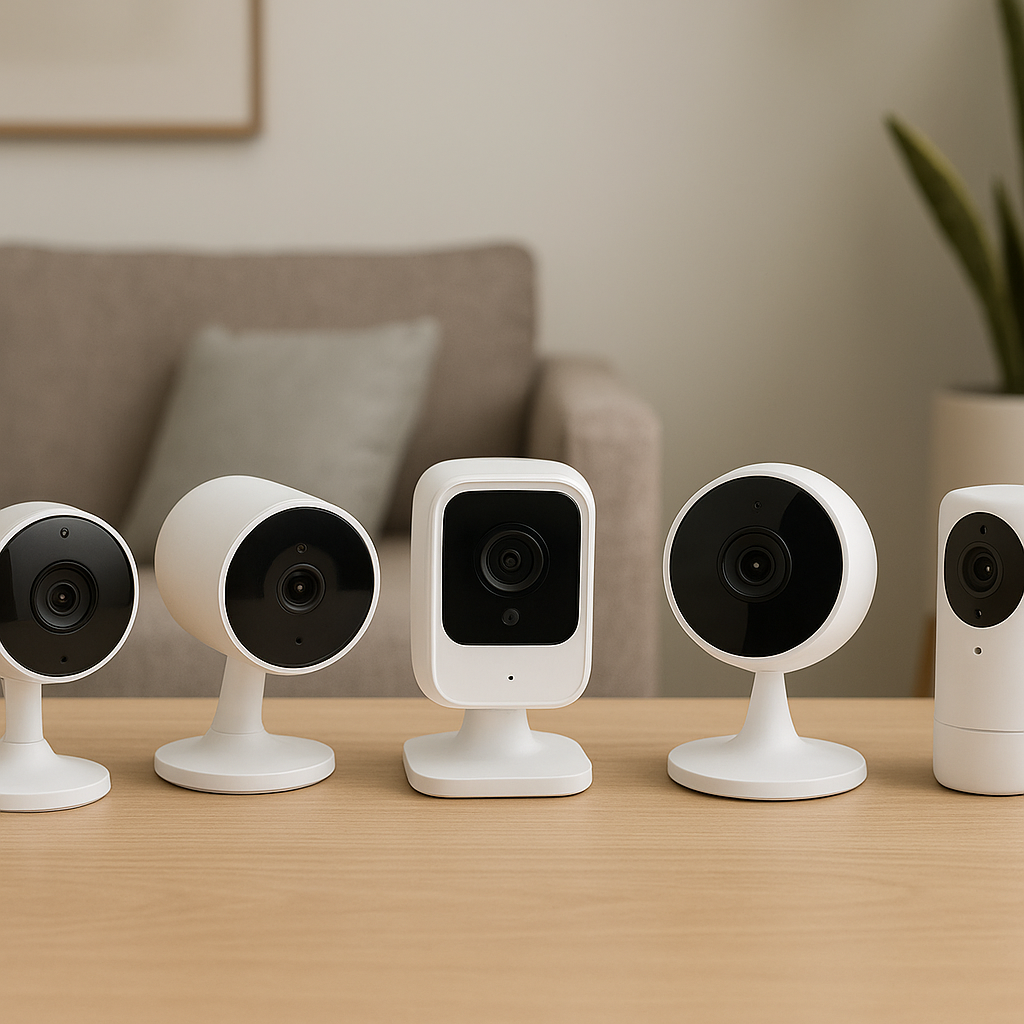
Before You Buy: Five Checks That Prevent Common Frustrations
- Preview the intended view. Hold your phone at the proposed location as a rough test. Can you clearly see the doorway, seating area, or pet space?
- Confirm power and Wi-Fi. Check for a nearby outlet and a dependable Wi-Fi signal. A camera that regularly disconnects will not be useful.
- Understand the storage arrangement. Find out whether recordings require a cloud plan, a separately purchased microSD card, or both.
- Read the return policy. Use the return window to judge whether the app feels manageable and whether the camera provides the view you expected.
- Review privacy before setup. Decide who will have account access, create a strong password, and agree on where the camera should never point.
Where to Put an Indoor Camera for a Useful View
A shelf, bookcase, or console table often works better than an extreme ceiling corner. The camera should be high enough for a broad view, but not so high that people appear only as small shapes at the bottom of the picture.
- Keep it away from direct sunlight and bright lamps when possible.
- Do not point it through glass; reflections can make nighttime video difficult to see.
- Arrange the power cable so that it does not create a tripping hazard.
- Put the camera where it is unlikely to be knocked over by pets or people.
- Check what appears in the background, including paperwork, computer screens, and private family areas.
Move the camera if the first position does not work. Placement is rarely perfect on the first try, and a small adjustment can make the view much more useful.
Final Verdict
The right indoor security camera is not necessarily the one with the longest feature list. It is the one that provides a clear view of the area you care about, saves video in a way you understand, and gives you sensible control over alerts and privacy. Start with the room and your routine, verify the details for the exact model, and keep the setup as simple as the job allows.
Still deciding? Compare the product details, compatibility, and current Amazon listing before buying.