

You find a phone with a design you like, a promising camera, and a price that seems reasonable. Then it arrives and you discover it is an imported version, your carrier will not activate it properly, or it does not fit the charging routine you already use. Those are frustrating problems—and they are much easier to prevent than fix.
The Nothing Phone (4a) Pro is a mid-range Android phone with a distinctive look and several appealing ideas. Nothing’s US product page highlights its three-camera system, Sony sensor, Nothing OS, Essential AI tools, and an “up to 140x ultra zoom” claim. A nearly month-long review from WIRED also found good performance, a nice screen, reliable battery life, and distinctive software design.
That is encouraging, but it is not the whole buying decision. Before ordering, focus less on the headline features and more on the exact version being sold, whether it works with your carrier, and whether its everyday trade-offs suit the way you use a phone.
Affiliate Disclosure: As an Amazon Associate, Simply Useful Tech earns from qualifying purchases.
The short version: check compatibility before you buy
This is the part that matters most. A phone can be sold as “unlocked” and still be a poor fit for a particular carrier or region. “Unlocked” generally means it is not tied to one carrier account; it does not automatically confirm that every network feature will work.
Before you order the Nothing Phone (4a) Pro, confirm all of the following with the seller, Nothing, and your carrier:
- Whether the listing is for the official US model or an international/import version.
- Whether your carrier will accept the phone’s IMEI number. An IMEI is the phone’s unique identification number.
- Whether the specific version supports the cellular service you rely on, including calling and data service where you live.
- Whether it uses a physical SIM card, eSIM, or both—and whether that suits your carrier plan.
- Which country or region handles the warranty and repair support.
- Who the seller is, how returns work, and whether a return is accepted after you activate the phone.
Do not rely on a marketplace title alone. Listing titles can bundle together terms such as “latest,” “unlocked,” storage amounts, or compatibility promises that have not been confirmed for the exact phone in the box.
If a seller cannot clearly identify the regional model and return terms, pause there. A good-looking phone is not a good deal if it creates a network or warranty headache.

What the Nothing Phone (4a) Pro appears to do well
The available evidence points to strengths that matter in ordinary use—not just a long specification list.
Nothing officially presents the Phone (4a) Pro as having a three-camera system with a Sony sensor. WIRED’s hands-on review described the screen as nice, performance as good, and battery life as reliable during its review period. Those are practical qualities for messaging, web browsing, watching videos, keeping up with family photos, and getting through a typical day without constantly thinking about the battery.
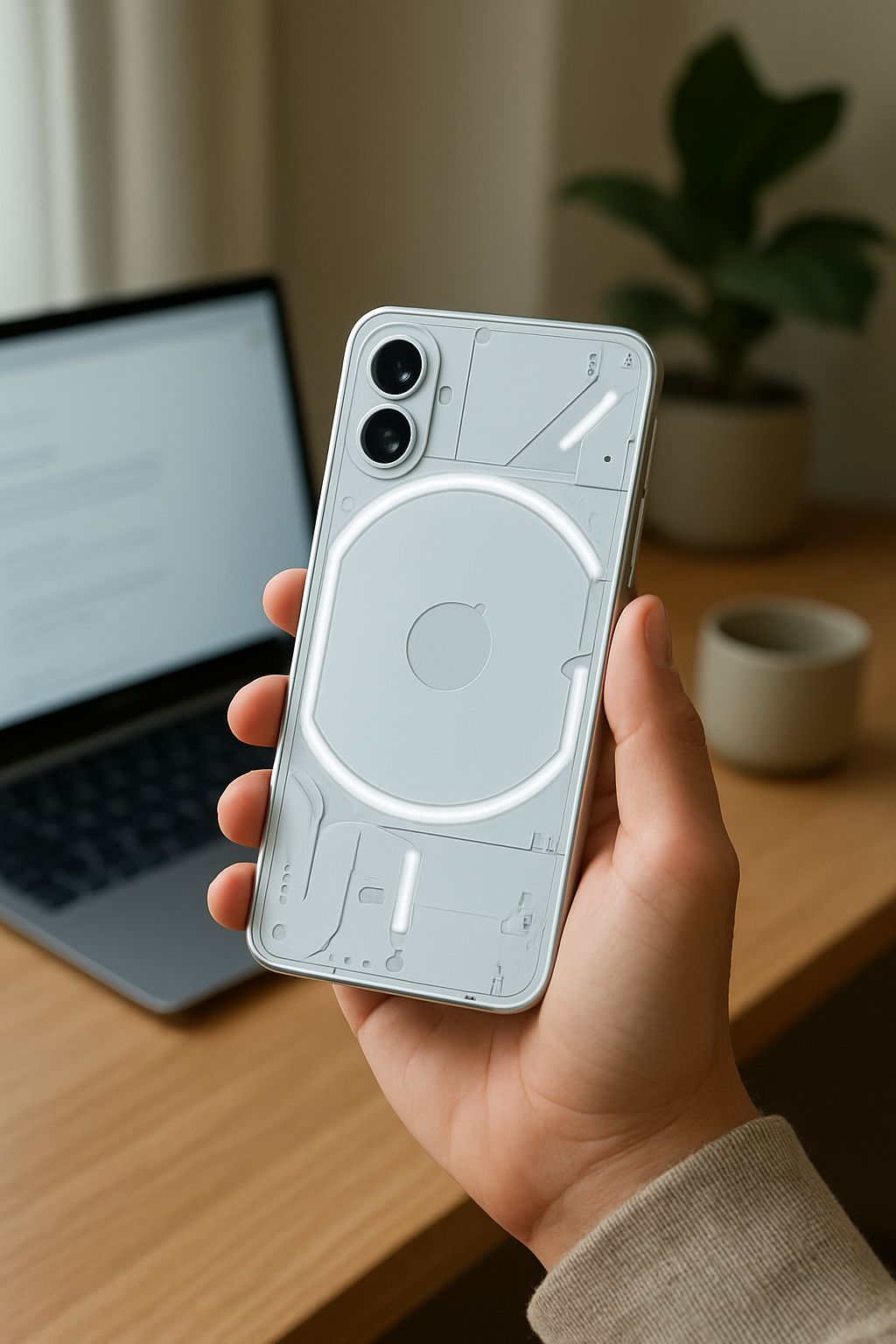
The phone’s software is another reason some people will be drawn to it. Nothing identifies the software as Nothing OS and promotes Essential AI tools. WIRED described the interface as distinctive and also noted the phone’s Glyph matrix, a visual notification feature on the back of the device.
That design will not be for everyone, and that is fine. Some people enjoy having a phone that feels different from the usual glass rectangle. Others would rather have a simpler, more familiar look with fewer visual extras. The useful question is whether the interface feels comfortable to you, not whether it looks interesting in a product video.
The camera and zoom claims need careful interpretation
Zoom language can be confusing because one number may describe the camera hardware while another describes the furthest enlarged image the phone can create.
Nothing advertises up to 140x ultra zoom on its US product page. That is a maximum zoom claim. It should not be read as a promise that a photo taken at 140x will look like a close, sharp image from a dedicated camera.
Separately, WIRED reported a 3.5x zoom experience in its review. The supplied research does not establish that 3.5x as an optical-zoom specification, so treat it as the review’s description of zoom in use—not a complete technical explanation of the camera system.
In practice, maximum zoom may be useful for helping you see or frame something far away, while image quality at extreme magnification can be a different matter. For family pictures, vacations, pets, and everyday snapshots, pay more attention to sample photos from the exact model than to the largest number in an advertisement.
Before buying, look for current, full-resolution camera examples that include indoor scenes, evening photos, people in motion, and zoomed shots. Also verify official details that are not established in the supplied information, including video limits, stabilization, and low-light behavior.
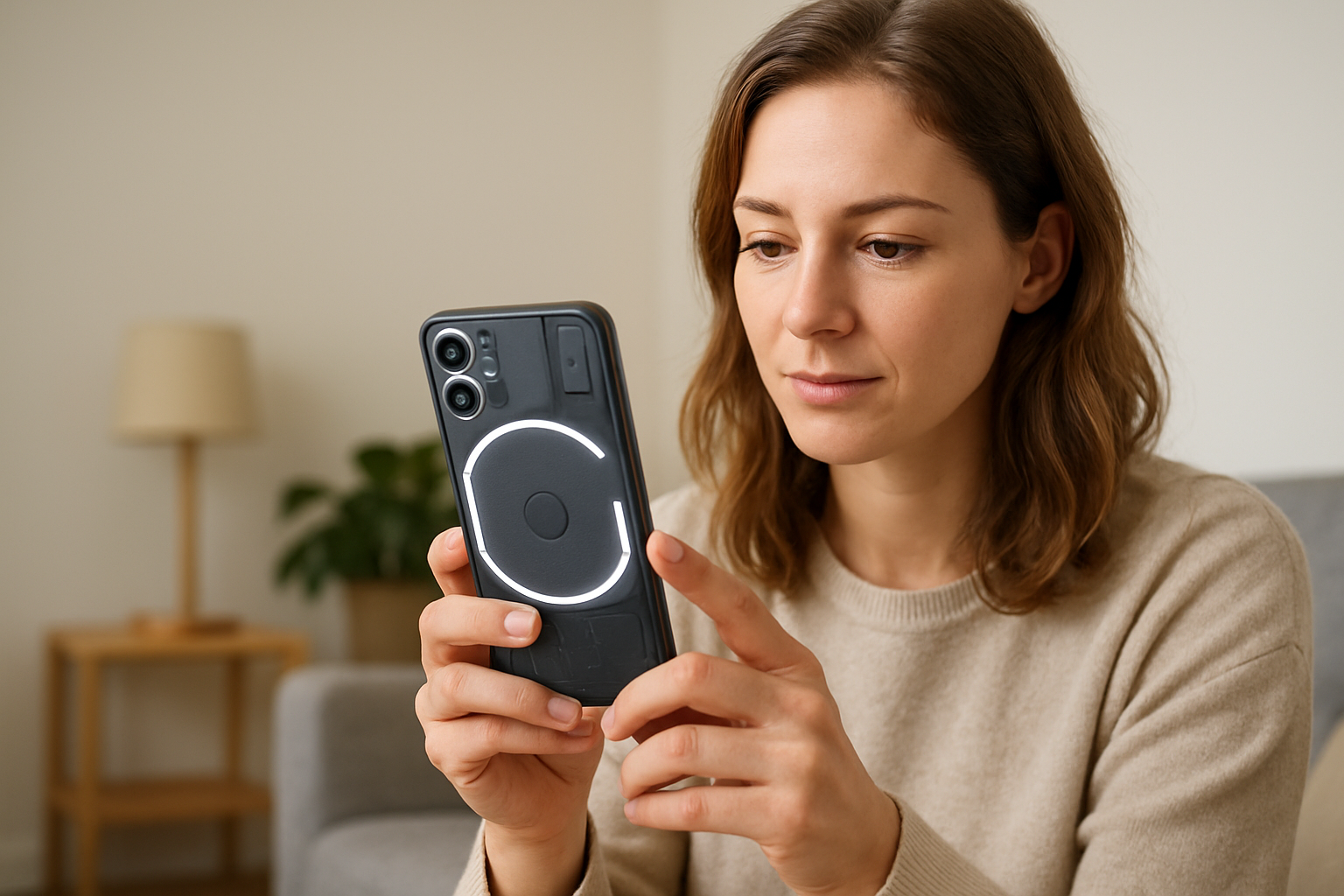
US model, imported model, or carrier version?
Regional differences are not a small detail with phones. An imported model may have a different warranty, software configuration, included accessories, update timing, or cellular support from a US model. The supplied research does not establish the differences for the Nothing Phone (4a) Pro, which is exactly why this needs checking before purchase.
Ask the retailer for the full model identifier, not just the product name. Then use that identifier when you contact your carrier. Ask directly: “Can you confirm this exact model can be activated on my account?” If possible, ask whether the carrier can check the IMEI before the return window closes.
Also ask whether features you use every day will work as expected. If you use eSIM because you switch between carriers or travel, confirm the SIM arrangement first. If you expect to move your current physical SIM card, confirm that route as well.
This may feel like extra homework, but it is the step most likely to protect you from an expensive mistake.
Worth considering: Nothing Phone (4a) Pro

- Pro-Grade Camera with AI Edits: Capture every detail from a distance with the advanced triple camera system. Nothing Pho…
- 6.83″ 144Hz AMOLED & 5,000-Nit Peak Brightness: Immerse yourself in a stunning 6.83-inch 1.5K AMOLED display. Delivering…
- All-Day 5080mAh Battery & Android 16 Nothing OS 4.1: Stay powered throughout your busiest days with a high-capacity 5,08…
Charging, battery, and everyday trade-offs
WIRED reported reliable battery life in its review, which is a positive sign. Battery experience still depends on signal strength, screen use, apps, and how long you keep the phone.
Charging deserves its own check. The supplied research includes a third-party report saying wireless charging is not included, but that is not confirmed in the official product evidence provided here. Verify the official US specification for the exact version before ordering.
If you drop your phone on a bedside charging pad each night, the absence of wireless charging could become an everyday annoyance. If you are happy plugging in a cable, it may not matter at all.
Also confirm what comes in the box. Some phones include only the handset and cable, while charging accessories may be sold separately. Check before ordering so your first evening with the new phone is not spent hunting for the right accessory.
Is Nothing OS easy to live with?
A phone’s software affects hundreds of small moments: finding settings, reading a message, silencing an unwanted alert, organizing the home screen, and locating a photo later. Nothing identifies the phone as using Nothing OS, while WIRED praised its distinctive software design.
Distinctive can be enjoyable, but it can also mean a short adjustment period if you are coming from another Android phone. Do not assume that a different-looking interface is difficult. Instead, test it during the return period.
On the first day, try these ordinary tasks:
- Make a call, send a text, and adjust call and notification volume.
- Increase text size and display scaling until menus and messages are comfortable to read.
- Turn off notifications from apps that do not need your attention.
- Set up the lock screen in a way that feels secure but manageable.
- Find the camera, flashlight, alarm, and settings without using a search bar.
- Install available system and app updates before transferring everything permanently.
For accessibility, confirm the available text, display, screen-reader, hearing, and shortcut settings through current official documentation or by handling a retail unit. If you depend on a particular accessibility option, carrier feature, or accessory, get confirmation before moving your accounts or passing the return deadline.
What to verify on the retailer page
Right before checkout, slow down and compare the listing with this checklist. It takes a few minutes and can save a return later.
| Check | Why it matters |
|---|---|
| Exact model and region | Helps prevent confusion between US and imported versions. |
| Seller identity | Clarifies who is responsible for the item, warranty information, and return. |
| Storage and memory version | Listings can differ; confirm the version you are actually purchasing. |
| Carrier and IMEI eligibility | Helps avoid activation or service problems after delivery. |
| SIM and eSIM arrangement | Ensures the phone matches your current plan and transfer method. |
| Included accessories | Lets you plan for any charging equipment you may need. |
| Return deadline and condition rules | Gives you time to test calls, data, setup, and comfort with the software. |
Who should consider it—and who may want a different phone?
The Nothing Phone (4a) Pro is worth considering for someone who likes its distinctive design and wants a mid-range phone with a three-camera system, Nothing OS, and the positive screen, performance, and battery impressions reported by WIRED.
It may be less appealing if you need every purchase detail settled before ordering. Key information in the supplied research—including complete carrier compatibility, regional differences, warranty terms, software-support policy, charging details, and accessibility options—still needs direct confirmation for the version you are considering.
If wireless charging is essential to your routine, look elsewhere if the official specification for your chosen version does not confirm it. There is no reason to pay for a phone that makes a familiar daily habit less convenient.
Plan the first-hour setup
A little preparation makes the switch calmer. Keep your old phone nearby and charged. Make sure you know the password for your main email account, since it is often needed to restore contacts, photos, and apps. Back up the old phone before you start, and do not erase it until calls, messages, photos, and essential apps are working on the new one.
Once the phone is set up, review notifications before installing every app you used before. This is a good moment to keep only the alerts that are genuinely useful.
Keep exploring
If you plan to use your new phone to control lights, speakers, or other connected devices, our guide to what to check before buying a voice assistant can help you think through compatibility and setup.
For a broader look at phone-controlled household tools, see our guide to simple smart-home devices for a more comfortable, confident home.
Bottom line: make the version and compatibility checks first
The Nothing Phone (4a) Pro has several promising qualities, including its three-camera system, Nothing OS, Essential AI tools, and favorable WIRED impressions of its screen, performance, battery life, and design. But the sensible purchase decision comes down to the unglamorous details: the exact regional version, carrier approval, SIM arrangement, warranty, return policy, charging fit, and settings you need to use comfortably.
Confirm those first. If they line up with your needs, this phone may be a refreshing mid-range option rather than an expensive surprise.
Still deciding? Compare the product details, compatibility, and current Amazon listing before buying.