

A video call works perfectly in the living room, then starts freezing in the bedroom—or upstairs. The TV buffers in one room while your phone has a strong signal in another. That is the classic “Do I need mesh Wi-Fi?” moment.
Maybe. Weak Wi-Fi does not automatically mean you need more equipment. A poorly placed router, thick walls, interference from other electronics, or an aging router can create the same frustrating result.
The simplest answer in the mesh Wi-Fi vs. a single router decision is this: start with one well-placed router if your home is compact and fairly open. Consider mesh when one router cannot reliably reach the places where you actually use the internet, especially across floors or through dense walls.
Affiliate Disclosure: As an Amazon Associate, Simply Useful Tech earns from qualifying purchases.
The short answer: choose based on coverage, not the word “mesh” or “Wi-Fi 7”
| What to compare | Single router | Mesh Wi-Fi system |
|---|---|---|
| Coverage | One central source of Wi-Fi | Several units work together to spread Wi-Fi through more of the home |
| Speed far from the main unit | Can drop as distance and obstacles increase | Can improve in distant rooms, although placement and the connection between units affect performance |
| Cost | Usually the less expensive approach | Usually costs more because it includes multiple units |
| Setup | Often straightforward, with one device to place and manage | Requires setting up and placing a main unit plus one or more additional units |
| Maintenance | One device to restart or adjust | More equipment, but typically one shared network name |
| Best fit | Smaller, open, single-floor homes and apartments | Larger, multistory, long, or thick-walled homes with persistent weak areas |
Neither option is automatically better. A strong single router can be the simpler, better-value choice. Mesh is useful when the layout of the house is the real problem.
What changes when you move from one router to a mesh system?
A traditional setup has one router broadcasting Wi-Fi from one location. The farther you move from it—and the more walls, floors, metal, brick, stone, plumbing, and furniture sit between you and the router—the weaker the signal may become.
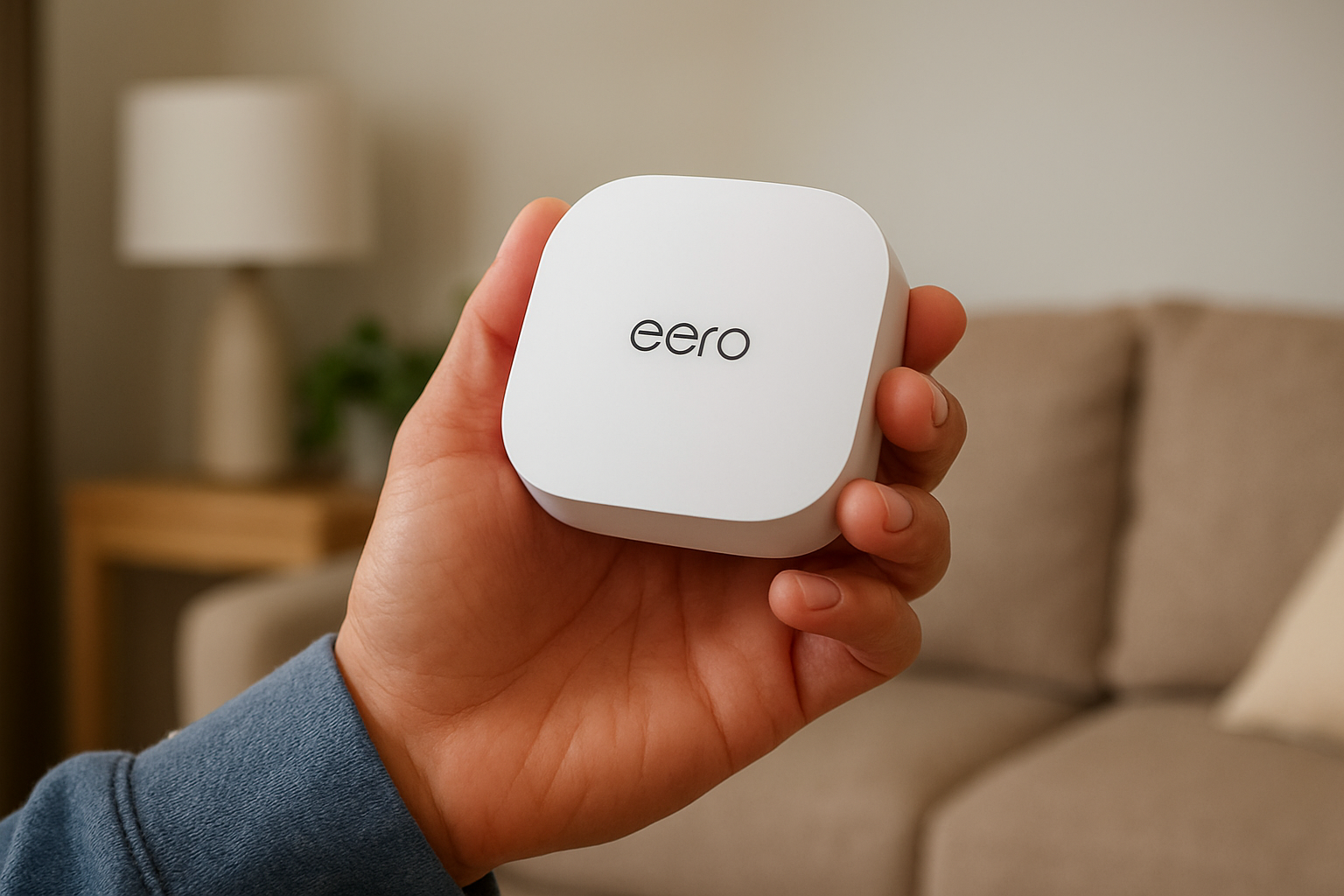
A mesh system uses a main router and extra units, often called nodes or satellites. You place those units around the home so devices have a closer source of Wi-Fi. The units are designed to operate as one network rather than requiring you to choose between separate network names.
The useful part is that mesh addresses a coverage problem by bringing Wi-Fi closer to the rooms that need it. It does not create a faster internet plan. If your broadband service is slow, mesh cannot turn it into a faster service.
When a single router is the better choice
Start with a single router when the trouble is limited, the home is relatively compact, and the router can sit near the center of the space. This is especially true in an apartment, condo, ranch-style home, or smaller single-floor house with an open layout.
A single router is often enough when:
- Most internet use happens in rooms close to the router.
- The home has few dense interior walls.
- You can place the router in a central, open location.
- Only one distant room has a weak signal and a placement change may solve it.
- You prefer the least expensive and least complicated setup.
Before replacing anything, move the router if you can. Put it in the open, on a shelf or table, rather than inside a cabinet, behind a television, or on the floor. Avoid placing it beside large metal objects, a microwave, or a cluster of other electronics.
Try not to place it at one extreme end of the home, either. A router in a far corner of a basement has to send its signal through much more of the house before it reaches an upstairs bedroom.
A better location may solve a coverage issue without requiring a mesh system.
When mesh Wi-Fi is worth the extra equipment
Mesh makes more sense when one router has a difficult job: reaching multiple floors, distant rooms, or areas separated by dense construction. Think of a long home with bedrooms at one end, a finished basement, an upstairs office, or walls made from materials that weaken wireless signals.
Mesh is worth considering when:
- You have repeatable dead zones: places where Wi-Fi is consistently weak or unavailable.
- A router placed centrally still cannot cover important rooms.
- Your home has two or more floors and the router cannot be positioned near the middle vertically.
- Thick plaster, brick, stone, concrete, or other dense materials sit between the router and the problem area.
- People use video calls, streaming, browsing, or smart-home devices in different parts of the house.
A dead zone is simply an area where Wi-Fi is too weak to be reliably useful. Mesh can reduce dead zones, but it cannot overcome every physical barrier. Placement still matters. A satellite tucked into the weak room may be too far from the main unit to help much; it needs a solid connection back to the rest of the system.
Coverage is not the same as internet speed
Your internet plan is the connection coming into your home. Wi-Fi is the wireless path between that connection and your phone, tablet, TV, or computer.
If your internet is slow everywhere, including on a computer connected directly to the router with an Ethernet cable, the issue may be your internet service, modem, or provider connection. More mesh units are unlikely to fix that.
If internet works well close to the router but struggles in a back bedroom, garage, or upstairs room, that points more toward a Wi-Fi coverage issue.
Mesh also does not mean every node is equally fast. The extra units must communicate with the main router. That connection is called backhaul.
With wireless backhaul, mesh units communicate over Wi-Fi. It is convenient, but distance, walls, and interference can reduce performance at a satellite. With wired Ethernet backhaul, units are connected with Ethernet cables. This can provide a more dependable connection between mesh units when the home is already wired for Ethernet or when running a cable is practical.
Worth considering: Amazon eero 7 dual-band mesh Wi-Fi 7 router

- OUR MOST AFFORDABLE WI-FI 7 ROUTER – eero 7 helps you future-proof your network and make the most of Wi-Fi 7 performance…
- SAY GOODBYE TO DEAD SPOTS – eero 7 minimizes network disruptions to help ensure you have fast, reliable wifi in every ro…
- FULL SPEED AHEAD – Support for internet plans up to 2.5 Gbps with two auto-sensing 2.5 GbE ports and wireless speeds up …
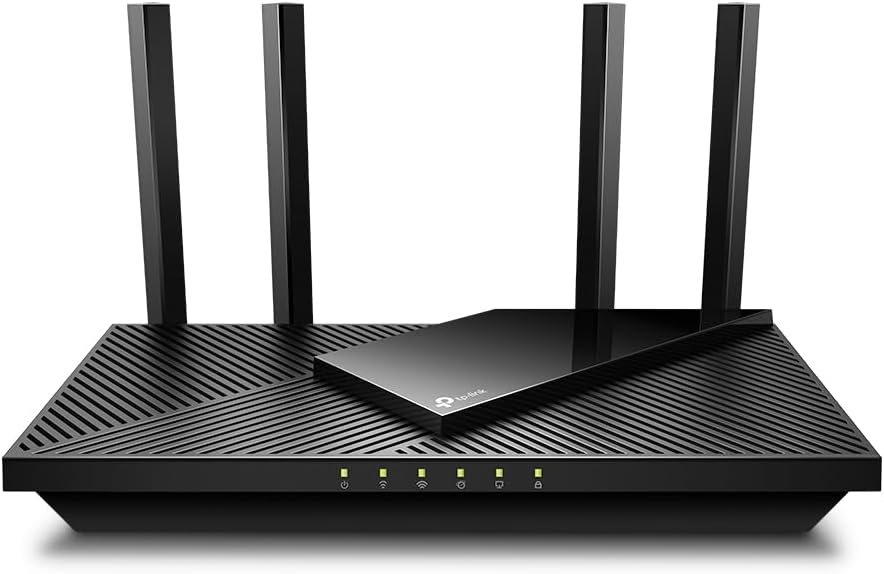
Worth considering: TP-Link AX1800 WiFi 6 Router

- DUAL-BAND WIFI 6 ROUTER: Wi-Fi 6(802.11ax) technology achieves faster speeds, greater capacity and reduced network conge…
- AX1800: Enjoy smoother and more stable streaming, gaming, downloading with 1.8 Gbps total bandwidth (up to 1200 Mbps on …
- CONNECT MORE DEVICES: Wi-Fi 6 technology communicates more data to more devices simultaneously using revolutionary OFDMA…
Focus less on a headline speed number and more on whether the system can provide a dependable connection where it is needed. A reliable video call in the office is more useful than an impressive number measured beside the router.
Mesh Wi-Fi versus a range extender
A range extender is a separate device that picks up an existing Wi-Fi signal and rebroadcasts it farther away. It can be a lower-cost way to improve one weak spot, but it is not the same thing as mesh.
Extenders can use a separate network name or provide a less seamless handoff as you move through the house, depending on the equipment and setup. They also rely on receiving a usable signal from the router in the first place.
Mesh systems are designed as one coordinated network, with multiple units placed around the home. That usually makes mesh the more complete option for several weak areas or a difficult layout. An extender may still be reasonable when there is one nearby trouble spot and you want to try the least expensive fix first.
The cost, setup, and maintenance trade-offs
A single router has obvious advantages: fewer devices, less setup, and usually a lower purchase cost. It is also easier to troubleshoot because there is only one main piece of equipment.
Mesh costs more because you are buying multiple units. You will need to decide where each node belongs, find power outlets, and use the system’s setup process. Many mesh systems use a phone app for setup and management, so check that requirement before purchasing.
There is a payoff when mesh fits the home: one network can cover more usable space without asking everyone to reconnect as they walk from room to room.
Whichever route you choose, remember that a router is usually connected to a modem or provider gateway. Some internet providers supply a combined modem-router unit. Before buying, find out whether that equipment can be placed in a mode that works properly with your new router, or whether the provider has specific setup requirements.
A simple home-by-home decision guide
Small apartment or condo
Start with a single router, positioned as centrally and openly as possible. Mesh is usually unnecessary unless the building materials or layout create stubborn dead zones.
Single-floor home
Try a centrally placed single router first. If the home is long, has dense walls, or has a consistently weak room at the far end, mesh may be the cleaner fix.
Multistory, long, or thick-walled home
Mesh is more likely to be worthwhile, especially when important rooms are above, below, or far from the internet connection. Think carefully about node placement, and use wired Ethernet backhaul if it is practical.
The two products to verify before you buy
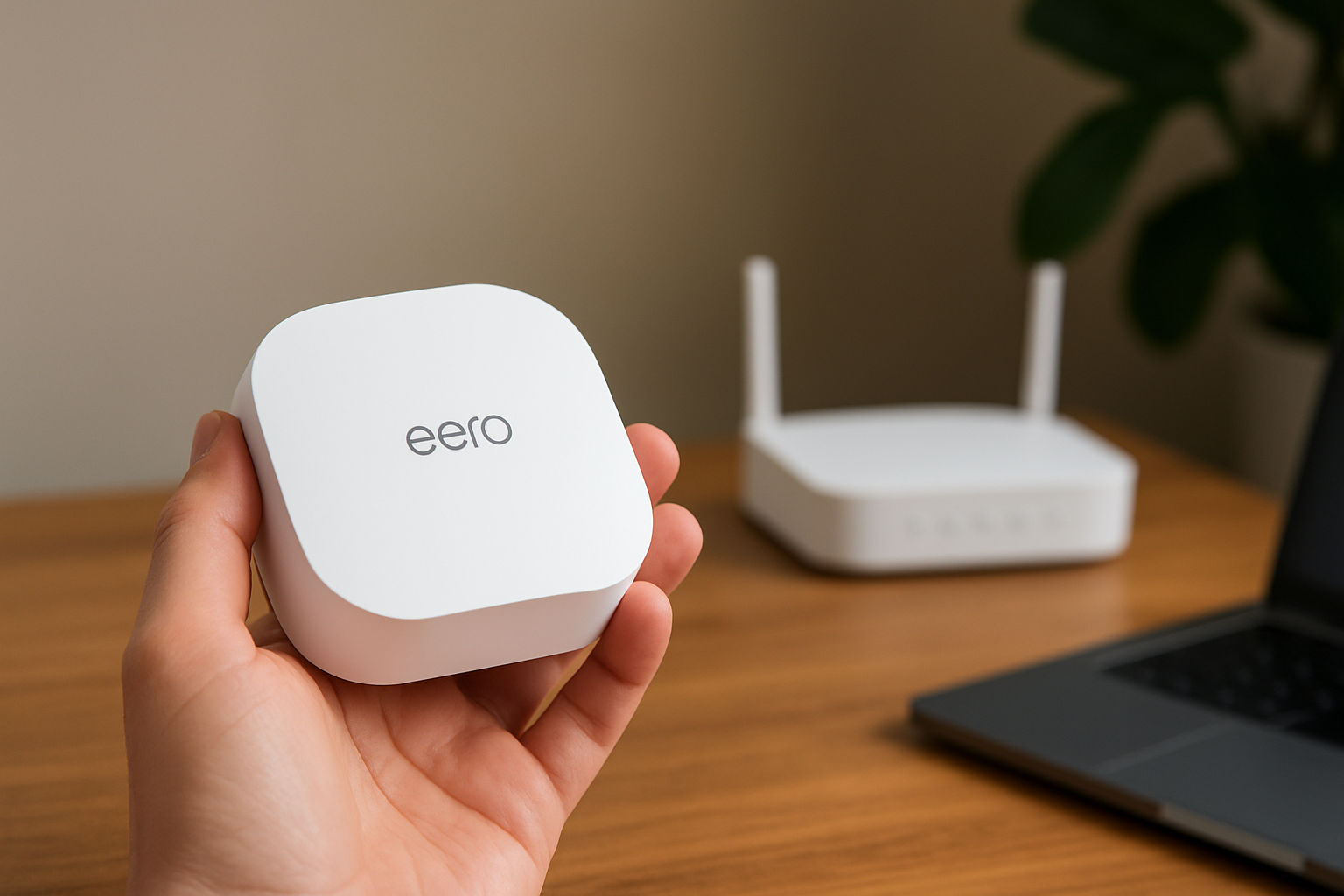
The Amazon eero 7 dual-band mesh Wi-Fi 7 router is relevant on the mesh side of this comparison. The supplied product information identifies it as a mesh Wi-Fi option, but does not establish its exact coverage, speed, ports, package contents, setup requirements, or performance. Verify the exact listing and whether you are buying one unit or a multi-unit package before ordering.
The TP-Link AX1800 WiFi 6 Router is relevant on the single-router side. The supplied information identifies it as a standalone router option, but does not verify model-specific range, ports, performance, mesh-expansion options, or compatibility details. “AX1800” is a product-class label, not a promise of the speed you will see throughout your home.
Questions to check before placing an order
- What is the exact model number? Retailer titles can be broad or combine several variants.
- What is included? Confirm the number of mesh units, power adapters, and any Ethernet cables.
- Will it work with your internet equipment? Check your provider’s modem or gateway requirements before replacing your existing router.
- How will you manage it? Confirm whether setup requires a phone app, an online account, or optional paid services.
- What are the return and warranty terms? These details can vary by retailer and region.
- Where will it sit? A new router cannot do its best work from inside a cabinet or a distant corner.
- Can you use Ethernet? If you are considering mesh, check whether wired connections between units are possible in your home.
Reliable Wi-Fi matters for many connected devices, including cameras and voice assistants. If you are adding those devices as well, our guide to simple smart-home devices for a more comfortable, confident home can help you decide which ones are genuinely useful.
Keep exploring
If a camera is one reason you are improving your network, see our guide to indoor security cameras for easy home monitoring for practical points to consider before choosing one.
Bottom line: match the setup to your home’s layout
A single, well-placed router is often the right answer for a smaller or open home. It costs less, requires less equipment, and may solve the problem completely.
Choose mesh when your home’s size, shape, floors, or walls make one router unreliable in rooms that matter. Do not buy based on “mesh” or “Wi-Fi 7” alone. Buy the setup that gives you a steady connection where you actually sit, work, stream, and talk.
Still deciding? Compare the product details, compatibility, and current Amazon listing before buying.
Latest from Simply Useful Tech
- 9 Signs an Unexpected Text, Email, or Call Is a Scam
- At-Home Medical Alert Systems Compared: What to Check Before You Choose
- Motion-Sensor Lights vs. Smart Bulbs: Which Makes Nighttime Paths Easier?
- Nothing Phone (4a) Pro: What to Check Before You Buy
- Best Indoor Security Cameras for Easy Home Monitoring