

You wake up thirsty, head toward the bathroom, and don’t want to fumble for a switch or flood the whole house with bright overhead light. The question is simple: should you add a small motion-sensor light along that route, or replace an existing bulb with a smart bulb?
Both can make a nighttime path more convenient, but they solve the problem differently. A dedicated motion-sensor light is usually a separate light placed where you need it. A smart bulb goes into an existing fixture and may be controlled by an app, voice assistant, schedule, or separate sensor.
Start with the route itself. Look at where you walk, where the dark spots are, and whether an existing fixture is already in the right place. That matters more than whether a product is labeled “smart.”
Affiliate Disclosure: As an Amazon Associate, Simply Useful Tech earns from qualifying purchases.
The practical difference: automatic light nearby or a connected bulb in an existing fixture?
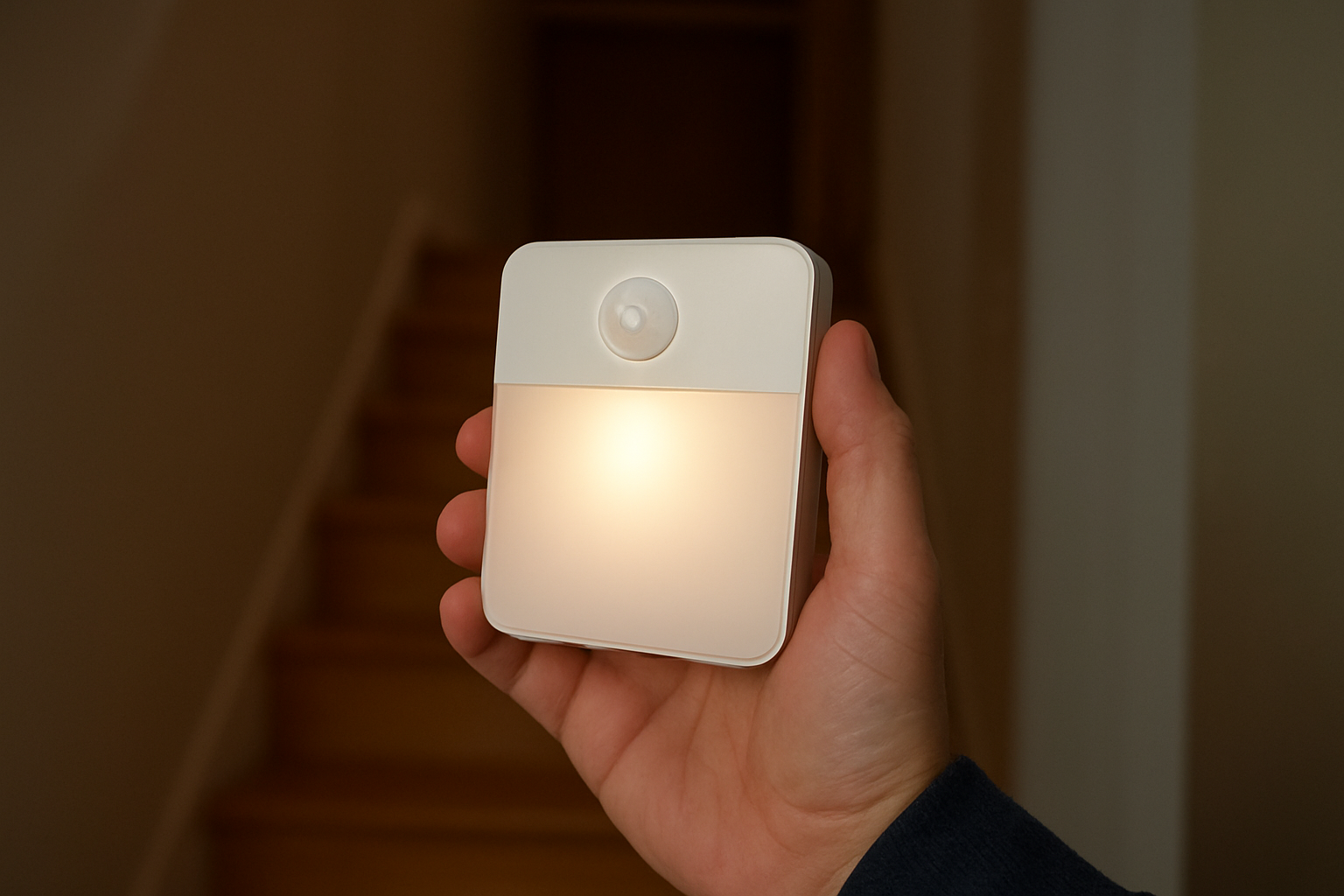
A motion-sensor path light is designed for one job: it detects nearby movement and turns on a small light. Depending on the model, it may mount to a wall, sit near a stair, plug into an outlet, or use rechargeable or replaceable batteries. The sensor and light are generally together.
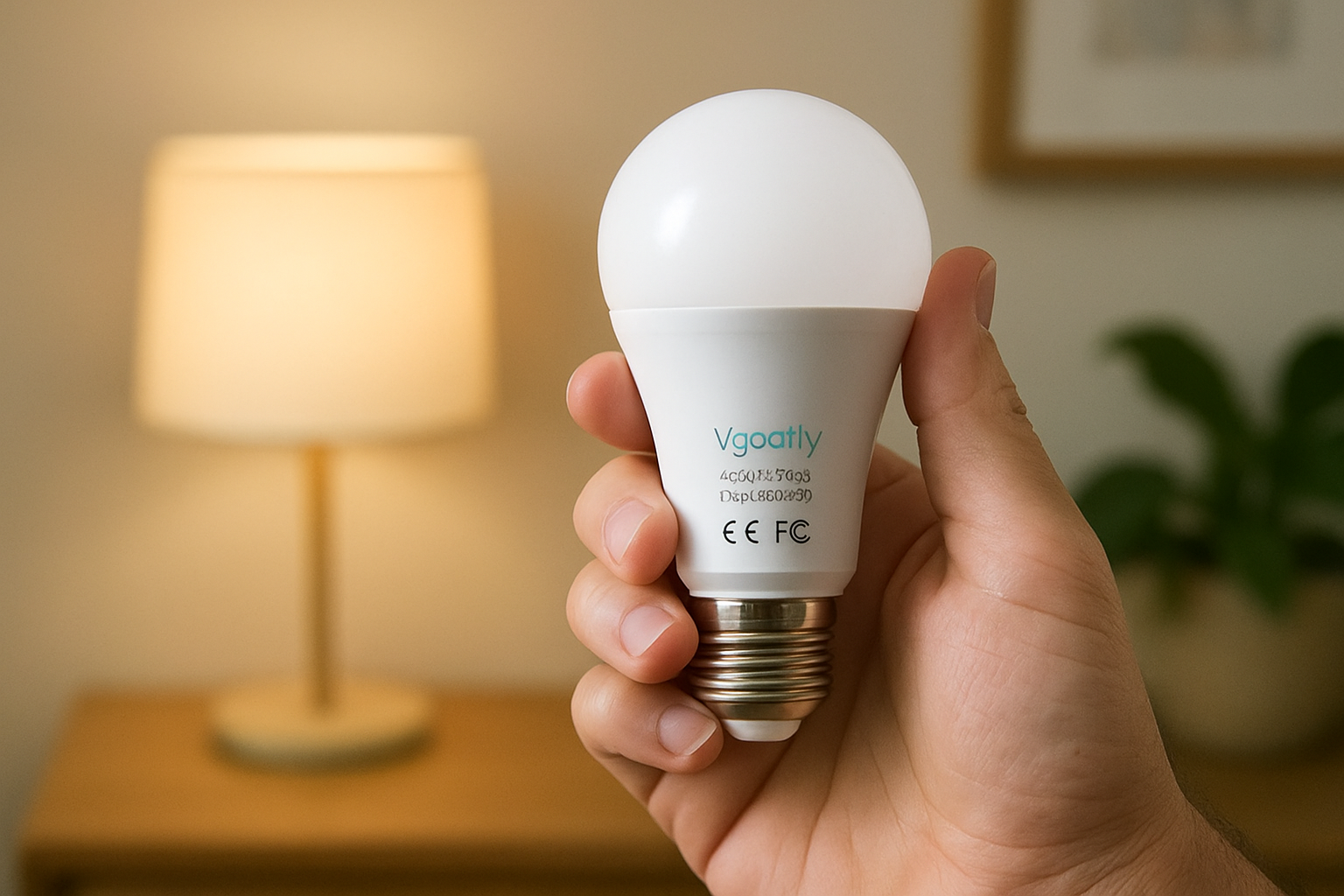
A smart bulb connects to a smart-home system and can offer schedules, dimming, voice control, and routines. But being smart does not necessarily mean that it detects motion. Many setups need a separate motion sensor, compatible hub, app automation, or another connected device.
That distinction matters. A separate motion light can directly illuminate a dark stair edge or the few feet between a bed and bathroom. A smart bulb can be a better fit when an existing ceiling fixture or lamp is already positioned well and you are comfortable setting up the required automation.
| What to compare | Dedicated motion-sensor light | Smart bulb in an existing fixture |
|---|---|---|
| Basic setup | Add a separate light where the route needs it. | Replace a bulb in a suitable fixture, then configure desired controls or automations. |
| Automatic activation | Usually uses a sensor built into the light; verify the sensing details. | May require a separate sensor or compatible automation. |
| Best placement | Low on a wall, near stairs, beside a bed, or at a dark transition point. | Where an existing fixture already lights the route well. |
| Controls | Often offers simple local operation; check for manual settings or overrides. | May offer app, schedule, and voice control, depending on the system. |
| Maintenance | May involve charging, battery changes, or cleaning the sensor. | May involve bulb replacement, app accounts, updates, and connectivity troubleshooting. |
| Reliability questions | Check the power method, sensor coverage, and shutoff behavior. | Check what happens if Wi-Fi, a hub, or an app is unavailable. |
Motion-sensor lights: where they make the most sense
Dedicated motion-sensor lights are often the simpler choice when your path does not have a well-placed fixture. They can suit the bottom steps of a staircase, a narrow hallway, the space beside a bed, or the turn into a bathroom.
The advantage is placement. Instead of asking one ceiling light to illuminate everything, you can put a modest amount of light close to the area that needs it. That can make a route easier to see without lighting an entire room.
Plug-in lights are practical when there is a suitable outlet that will not be blocked. Rechargeable or battery-powered models work where an outlet is inconvenient, but they add maintenance. Decide whether charging or replacing batteries is a task you will remember to do.
For stairs, keep the mounting location clear of feet, hands, and clothing. Position the light so it helps reveal the change in level rather than shining directly into your eyes. Lighting can improve visibility and convenience, but it cannot guarantee safety or prevent falls.
What to check on a motion-sensor light
- Detection area: Check the stated distance and angle. A sensor facing across your route may respond differently from one facing directly down it.
- Shutoff timing: Make sure the light stays on long enough for the full route.
- Brightness and color: Look for enough light to see the route without harsh glare. A warmer-looking light may feel more comfortable at night.
- Mounting: Confirm how it attaches and whether your surface supports that method.
- Manual control: An on/off switch, always-on option, or adjustable setting can be useful when you want different behavior temporarily.
Smart bulbs: when app-based control is genuinely useful
A smart bulb makes more sense when an existing fixture is already in the right place and you want more than motion activation. You might want a hallway light to turn on at a set time, dim late at night, or respond to a voice command.
The bulb is only one part of that setup. To make it react to movement, you may need a separate motion sensor and a system that lets the sensor control the bulb. Some homes also need a hub; others use Wi-Fi and an app.
If you already use compatible smart-home devices, this can be convenient. A routine might turn on a hallway light at a low level overnight and return it to normal in the morning. If this would be your only smart device, however, a connected bulb and sensor may be more setup than the problem requires.
Also consider the wall switch. If someone turns off power to the fixture, a smart bulb cannot receive commands until power is restored. A manual switch or straightforward override is useful for guests and anyone who does not want to open an app.
Installation, reliability, and what happens when power or Wi-Fi fails
Neither option can provide light during a household power outage unless it has stored power and is designed to operate in that situation. Check the documentation rather than assuming how a rechargeable product, smart bulb, or plug-in light will behave.
Worth considering: 8 Pack Motion Sensor Stair Light Indoor
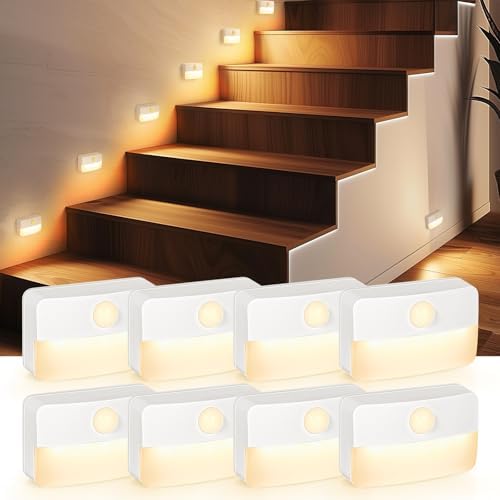
- 【Motion Sensor Stair Light】: When the motion sensor stair light detects sufficient darkness, the motion sensor will acti…
- 【Soft Warm Lighting】: The hallway light illuminates dark floors well, and the frosted shade is designed to soften the li…
- 【Battery Operated Stair Light】: Battery operated stair light provide up to 4 months of soft lighting. Each light require…
Worth considering: Sensor Lights Bulb Dusk to Dawn LED Light Bulbs Smart Lighting

- DUSK TO DAWN FEATURE: Built-in sensors that turn on the dusk to dawn light bulb automatically at dusk and turn it off wh…
- ENERGY SAVING: Vgogfly dusk to dawn Light bulb uses less power compared to traditional bulbs and, therefore, cuts your e…
- LONG LIFE: Vgogfly outdoor smart light bulb is made of plastic mask according to the LED chip unique cooling requirement…
A locally sensing light may have fewer setup dependencies because movement is detected at the light itself. You still need to verify its power source and whether the sensor works from the intended position.
Smart bulbs can work reliably in a well-matched system, but there are more links in the chain. The bulb and sensor need power, and the automation may depend on Wi-Fi, a hub, or cloud services. Some systems continue certain routines locally; others may not. Check the specific products and platform before relying on an automation every night.
Brightness, glare, and placement
More brightness is not automatically better. A bright point of light at eye level can feel unpleasant in a dark room, while a lower, gentler light can make the floor and doorway easier to see.
Aim light toward useful reference points: the floor, stair edge, doorway, or path around furniture. Avoid aiming it directly toward a bed, sofa, or the place where you pause before entering a room.
Walk the route at night with the room lights off. Note dark gaps and places where you naturally slow down or reach for a wall. Those are the locations worth addressing. Also watch for accidental activation from pets, adjoining rooms, or people passing outside the intended path.
Which approach fits your home?
Choose a dedicated motion-sensor light when:
- You need light where there is no useful existing fixture.
- You want a focused solution for stairs, a hallway corner, or a bedside route.
- You prefer fewer apps, accounts, and connected devices.
- You want to add light without changing the main room lighting.
Consider a smart bulb when:
- An existing fixture already lights the route from the right location.
- You want schedules, dimming, or voice control as well as nighttime lighting.
- You already have, or are happy to set up, compatible sensors and automations.
- You are willing to confirm the socket, fixture requirements, voltage, and offline behavior.
You do not have to use one approach throughout the home. A simple local motion light can handle a small dark stretch, while a smart bulb can serve a main hallway fixture where schedules or dimming are useful.
Products to verify before buying
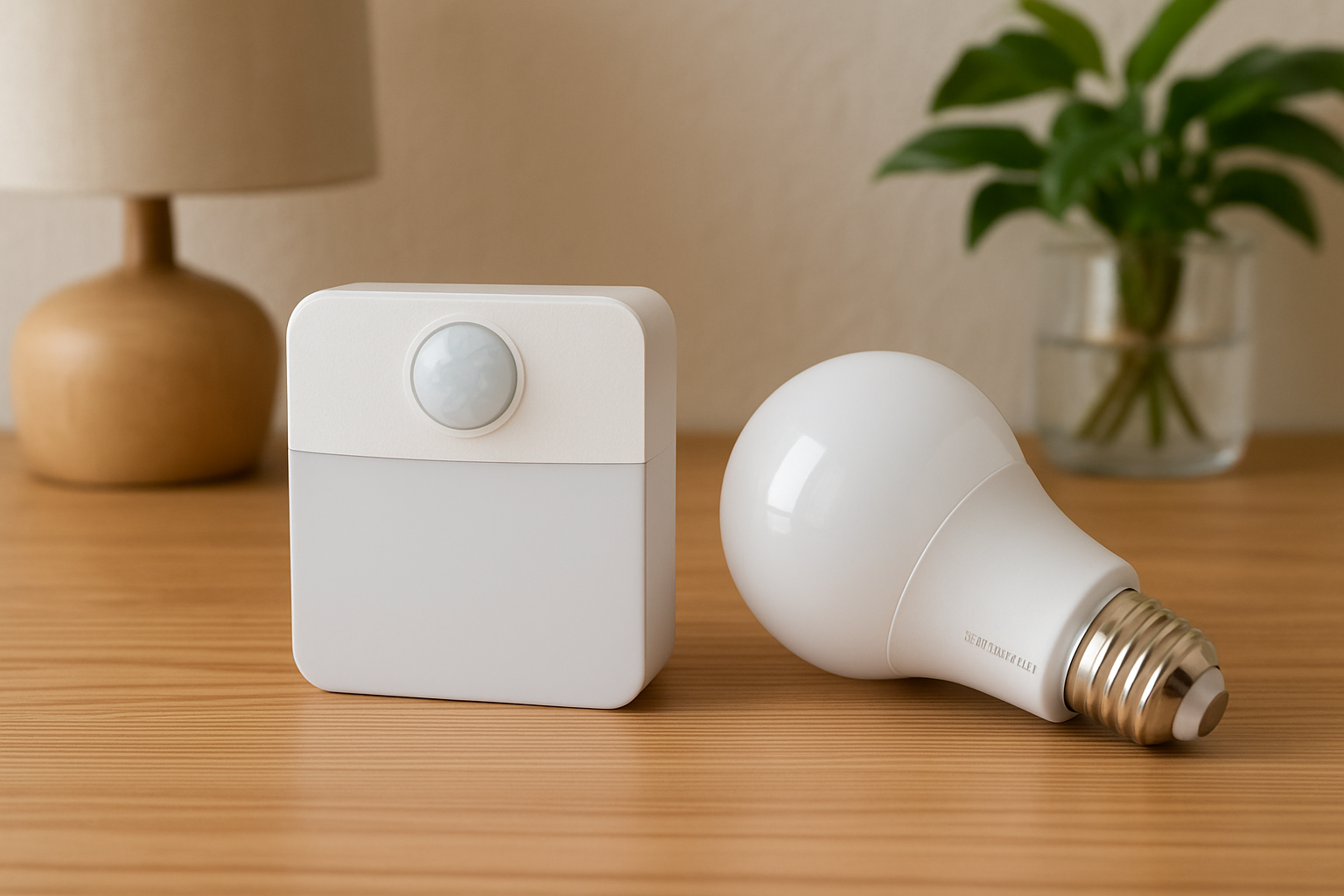
Two products in the current catalog are relevant to this comparison, but the supplied information does not include confirmed manufacturer specifications, model details, or compatibility information. They should therefore be treated as products to investigate, not performance recommendations.
- 8 Pack Motion Sensor Stair Light Indoor: Its name indicates relevance to indoor stair or path lighting. Verify the power source, mounting method, brightness, sensor coverage, shutoff timing, included accessories, and manual controls.
- Sensor Lights Bulb Dusk to Dawn LED Light Bulbs Smart Lighting: Confirm whether it is a conventional automatic bulb, a connected smart bulb, or a bulb with built-in sensing. Also verify the socket base, fixture suitability, dimming behavior, and any app, Wi-Fi, hub, or separate-sensor requirements.
Marketplace titles can combine several kinds of marketing language. Treat the manufacturer’s documentation and current listing details as the final check.
A simple setup checklist
- Walk the route after dark and identify where light would help most.
- Decide whether an existing fixture is in the right place. If not, look at a separate path light first.
- For a motion light, check the mounting surface, outlet if relevant, sensor direction, and maintenance needs.
- For a smart bulb, confirm the base, fixture requirements, app or hub, sensor needs, and behavior during connectivity interruptions.
- Choose comfortable brightness and aim the light at the route rather than your face.
- Make sure there is a simple manual way to use it when automation is not wanted.
- Walk the path several times at night and adjust placement or settings if the light activates too late, switches off too soon, or creates glare.
Keep exploring
For a broader look at useful connected devices without turning your home into a complicated project, see our guide to simple smart-home devices for a more comfortable, confident home.
If voice control is part of the plan, our voice assistant buying guide explains the compatibility and privacy questions worth checking first.
Final verdict
For one dark stretch of a nighttime route, a dedicated motion-sensor light is usually the more direct, lower-complexity choice. A smart bulb can be better when an existing fixture is well placed and you want schedules, dimming, or a connected-home routine. Start with the path, verify the details that affect your setup, and choose the option that adds useful light without needless hassle.
Still deciding? Compare the product details, compatibility, and current Amazon listing before buying.