


When a TV remote has too many buttons, a hallway is dark at night, or a small household task keeps getting forgotten, the answer usually isn’t a complicated smart-home system. It’s one well-chosen tool that removes one repeated annoyance.
That’s a useful standard for practical tech: it should make a daily task easier without creating a new job involving passwords, charging cables, app updates, or troubleshooting.
Start with the source of the frustration. Is the television difficult to control? Would earlier notice of a leak be helpful? Is finding a light switch at night a nuisance? Once the problem is clear, it becomes much easier to decide whether a connected gadget is worthwhile—or whether a basic, non-connected option is the better buy.
Affiliate Disclosure: As an Amazon Associate, Simply Useful Tech earns from qualifying purchases.
Quick pick: YoLink Water Leak Sensor 4
What makes a gadget genuinely useful?
A useful gadget has a clear purpose. You should be able to explain what it does in one sentence, and everyday use shouldn’t require a long list of steps.
Many devices look impressive in a product listing but depend on a smartphone, reliable Wi-Fi, an online account, or someone willing to handle occasional troubleshooting. Those requirements may be perfectly reasonable, but they should be part of the buying decision rather than a surprise after the box is opened.
- It solves a specific problem: such as simplifying TV controls or providing notice when water is detected.
- Everyday use is straightforward: the routine should be easier than the problem it replaces.
- Setup is realistic: decide who will connect the device, create accounts, install apps, and adjust settings.
- Maintenance is manageable: batteries, charging, Wi-Fi changes, and software updates all count.
- There is a fallback: find out what still works if the internet is down, the phone is unavailable, or the power goes out.
If anyone in the household prefers familiar controls, begin with a device that behaves like something they already use. A simpler remote may be a more sensible first purchase than a connected device with several apps and alerts.
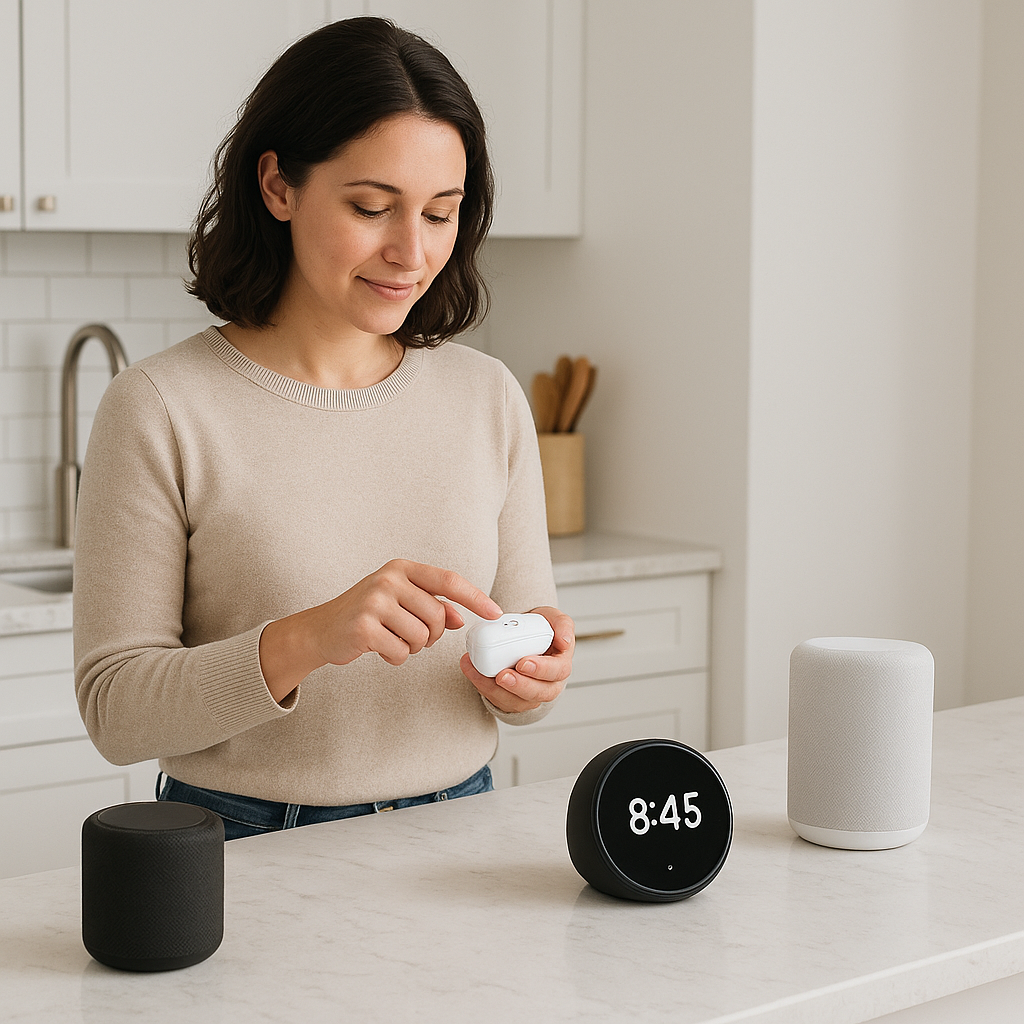
Start with the problem, not the technology
It’s easy to shop by category: smart lights, smart speakers, smart sensors, and smart plugs. Categories, however, don’t tell you whether a device will be useful in a particular home.
A better approach is to identify the moment that causes frustration and work backward from there.
| Everyday situation | Category to consider | Key question before buying |
|---|---|---|
| TV controls are confusing or cluttered | Simplified or universal remote | Will it control the equipment that is actually used? |
| A leak could go unnoticed | Water leak sensor | Does it require a hub, Wi-Fi, or phone notifications? |
| Walking through the house at night is inconvenient | Motion-sensor night light | Would a plug-in or battery-powered light suit the location? |
| Lights or small appliances are left on | Timer or smart plug | Can the appliance be safely controlled this way? |
| Video calls feel harder than they should | Video-call display or tablet | Who will manage contacts, accounts, charging, and updates? |
| Dates and routines are easy to miss | Digital calendar clock | Can the display be read comfortably from where it will sit? |
This approach helps avoid paying for features nobody will use. A basic timer may be more suitable than a connected plug, while a bright plug-in night light may be more practical than an app-controlled lighting system. More technology is not automatically more helpful.
For simpler TV control: Flipper universal remote
If the main frustration is switching between television and cable or satellite controls, a universal remote may be worth considering. The aim is simply to reduce remote clutter and make a familiar activity less fussy.
The Flipper universal remote is one named option supported by the research supplied for this article. An independent editorial review describes it as a lower-cost universal remote designed to simplify TV control. At the time of that review, no ongoing service fee was required, and the reviewer reported completing setup without assistance.
That experience does not guarantee equally easy setup in every home. Compatibility is the deciding factor with any universal remote. Before buying, check the manufacturer’s current information for the exact television and any cable box, satellite receiver, soundbar, or other equipment that needs to be controlled.
Who it may suit
- Someone who is tired of sorting through several remotes.
- A household that prefers familiar physical buttons.
- A buyer who wants a focused solution rather than a wider connected system.
Questions to answer first
- Which device is used to watch television most often?
- Does the remote also need to control a separate TV box or audio equipment?
- Who will handle the initial programming?
- Is the real difficulty the controls, or is it hearing TV dialogue?
If hearing dialogue is the main concern, changing the remote is unlikely to solve it. Speaker placement, television audio settings, or a dedicated TV-listening device may be more relevant categories to explore.
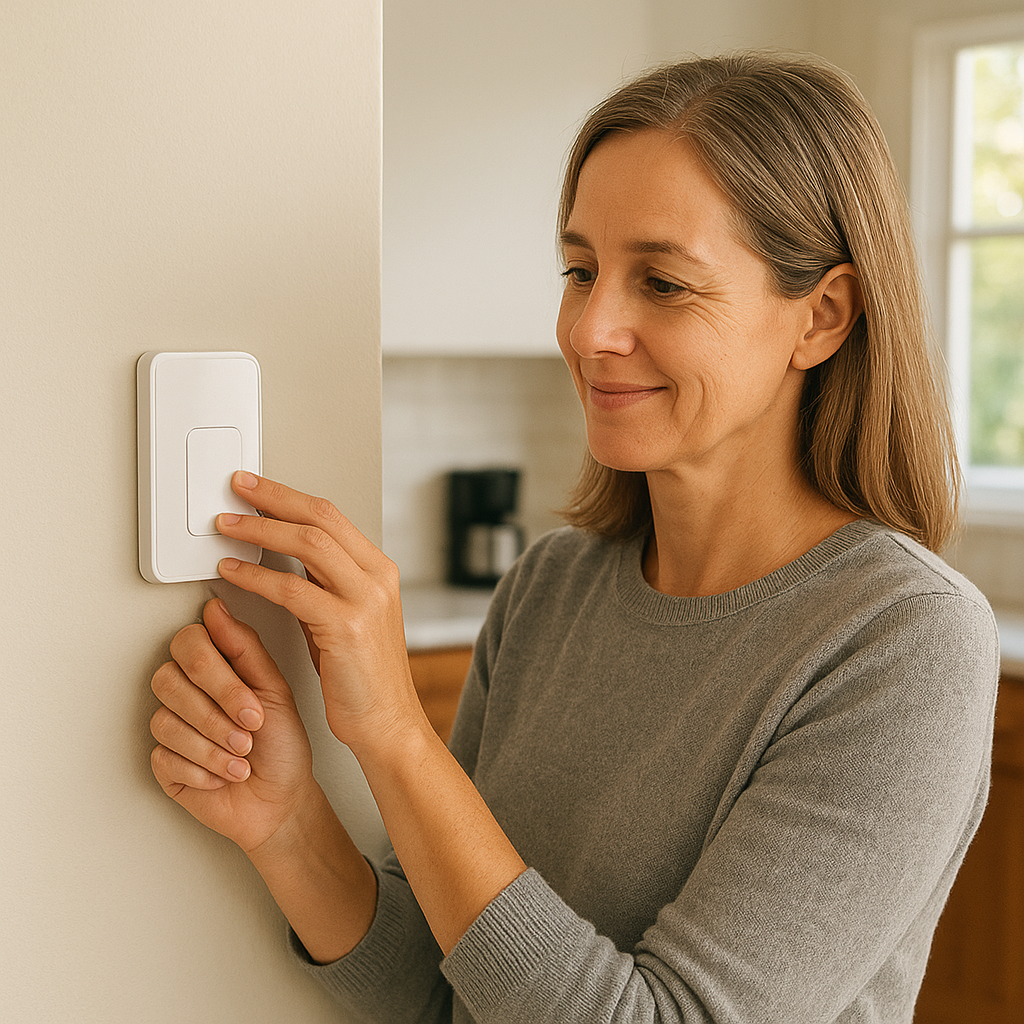
For early notice of leaks: YoLink Water Leak Sensor 4
A leak sensor is meant to detect water in a chosen location, such as near a washing machine, water heater, sink, or other plumbing. It does not stop a leak, repair plumbing, or guarantee that damage will be avoided. Its job is to provide an early warning through its alarm or notification system.
The YoLink Water Leak Sensor 4 is a named option with specific third-party test results. In the research supplied for this article, Wirecutter recommends the sensor and reports that it requires a YoLink Hub, sold separately or as part of some bundles.
Wirecutter also reports that the sensor has probes on the top and bottom. In its tests, both sets of probes detected water within two seconds. The sensor then sent a signal to the hub, which sounded an 87-decibel alarm, and the system could also send a smartphone notification.
The required hub makes this more involved than a stand-alone alarm. Someone will need to position the sensor, connect the hub, configure notifications, and respond if an alert arrives. Before purchasing, confirm the current hub requirements, bundle contents, battery details, notification options, and what works if the internet or power is unavailable.
Who it may suit
- A household that wants notice when water is detected in a particular location.
- Someone comfortable managing a hub-based system, or anyone with help available for setup.
- A household with a clear plan for receiving and responding to alerts.
Make an alert plan
A phone notification is useful only if someone sees it and knows what to do. Decide who will receive alerts, where the main water shutoff is, and who to contact about a plumbing problem. Do not assume the app will take action unless the system includes a separately verified automatic shutoff device.
Other practical gadget categories to consider
The two products above are specific options supported by the supplied research. For other needs, it is more helpful to begin with a category and compare current models, controls, and setup requirements.
Worth considering: YoLink Water Leak Sensor 4
If this product fits the needs described above, you can view the current Amazon listing below.
Motion-sensor night lights
A motion-sensor night light can improve visibility on common routes through the home without requiring anyone to find a wall switch. Placement matters: a light near the bed, bathroom, or hallway may be more useful than a larger system spread throughout the house.
Choose between plug-in and battery-powered models based on the available outlets and where light is needed. Battery-powered lights also need a plan for checking and replacing batteries. A night light can make a route easier to see, but it is not a substitute for adequate lighting, secure handrails, or professional advice about fall risks.
Tablets and video-call displays
A tablet or video-call display can make video conversations more convenient, but it is rarely a true “set it and forget it” purchase. Accounts, contacts, Wi-Fi, charging, and software updates may all be part of the experience.
Look for the simplest calling routine possible. If making a call requires opening several apps, remembering passwords, and navigating small icons, an ordinary phone call may remain the more practical everyday choice.
Digital calendar clocks
A digital calendar clock may help when the goal is to keep the date, day, time, or routine information clearly visible. Screen size, contrast, and placement often matter more than a long feature list. A display tucked into a corner will not be useful if nobody naturally looks at it.
Voice assistants
Voice assistants can be convenient for timers, reminders, weather questions, and compatible household devices. They also use microphones and usually connect to an online account, so everyone in the home should be comfortable with the arrangement. Review the privacy, purchase, voice-history, and contact settings during setup.
Timers and smart plugs
A basic timer or smart plug can be useful for compatible lamps and other suitable devices. Smart plugs are not a universal solution for appliance control, however. Do not use one with a heat-producing appliance or other equipment unless both the appliance manufacturer and the plug manufacturer say that use is permitted. Check the plug’s electrical rating as well as the appliance instructions.
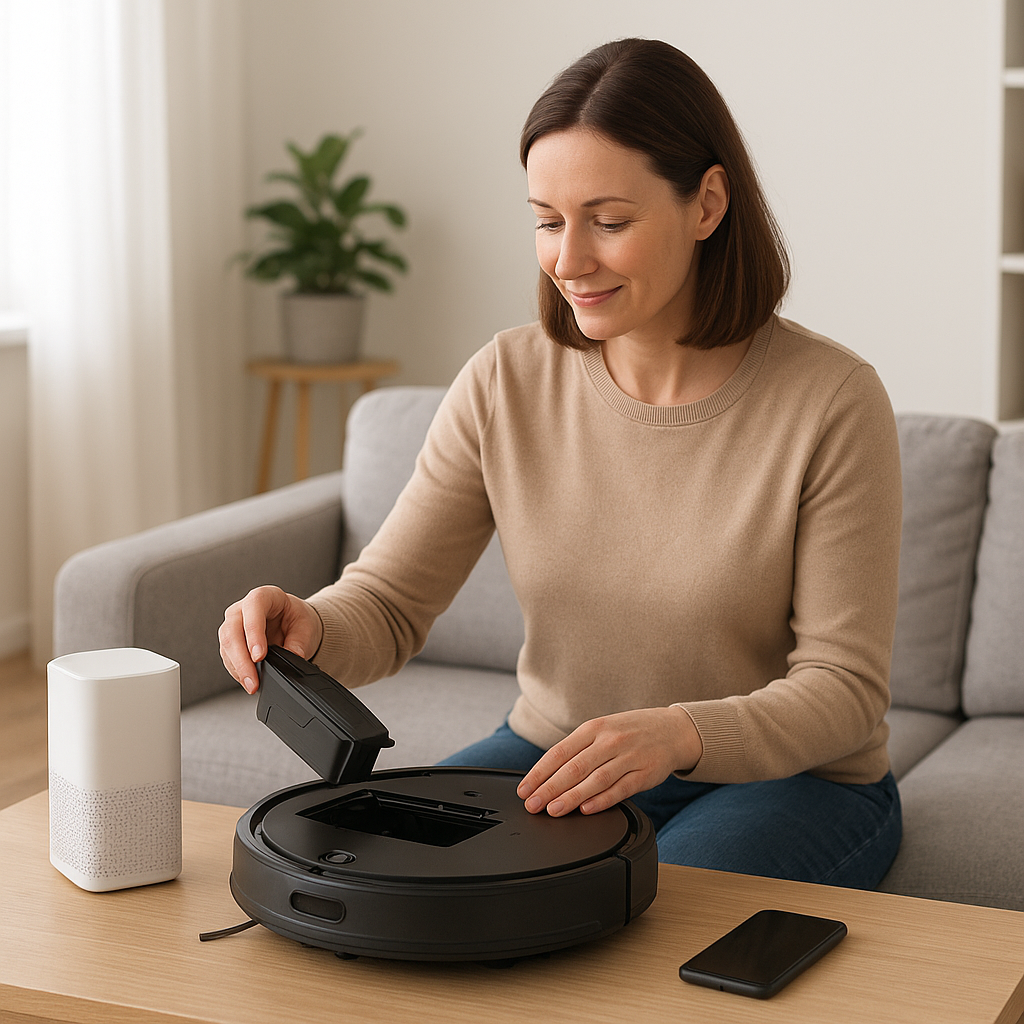
Practical setup checklist
These questions can keep a promising gadget from ending up unused in a drawer.
- Does it need Wi-Fi? If so, confirm that the signal is reliable where the device will be used.
- Does it require a smartphone? Some products need an app only during setup, while others depend on one every day.
- Is a hub required? A hub is a separate device that connects certain sensors or accessories to the wider system. Check whether it is included.
- Are there ongoing costs? Look for required subscriptions, optional services, replacement parts, or other recurring expenses.
- What needs charging or new batteries? Decide who will handle this and how often it should be checked.
- What happens during an outage? Find out what still works without internet access, household power, or a nearby phone.
- Can it be operated manually? Physical buttons and straightforward controls can be useful even on connected devices.
- Who will manage setup? Choose someone to install the device, save essential account details securely, and help if settings change.
- What information does it collect? Review account, privacy, microphone, camera, and notification settings as applicable.
- Can it be returned? Check the seller’s current return policy, especially when ease of use is the main reason for buying.
How to choose a gadget that will keep being used
Start small. Pick the annoyance that comes up most often, then choose the least complicated solution that addresses it.
If television control is the daily frustration, a simpler remote may offer more value than a collection of connected devices. If unnoticed water is the concern, a leak sensor may justify the extra setup—as long as someone is prepared to manage the hub and notifications.
It can also help to separate setup from daily use. One person may be happy to handle installation, while everyday use involves only pressing a button, checking a display, or responding to an alarm. That arrangement can work well when everyone knows their role.
If a device needs regular attention from an app that nobody wants to use, it is probably the wrong choice. Buy for an ordinary Tuesday, not for the product’s most impressive demonstration.
Frequently asked questions
What is the simplest first gadget to buy?
Start with the smallest change that removes a repeated frustration. A simplified TV remote, plug-in night light, or basic timer may be a better first step than a connected system, depending on the problem.
Are smart gadgets better than basic ones?
Not automatically. Connected products can add remote controls and useful notifications, but they may also require Wi-Fi, apps, accounts, batteries, and updates. A basic device is often the better choice when it is easier to understand and maintain.
Should family members receive device notifications?
Only when everyone understands what the notifications mean and who is expected to respond. Shared alerts can be helpful, but they can also create confusion if responsibility has not been agreed in advance.
Final verdict
The most practical gadgets are rarely the flashiest. Choose one device that solves one real problem, make sure its setup and maintenance suit the household, and skip features that add complexity without adding value.
For confusing TV controls, a simplified universal remote may be a sensible starting point once compatibility has been checked. For leak awareness, a hub-based sensor can be useful when there is a clear plan for receiving alerts and taking action.
Check YoLink Water Leak Sensor 4 on Amazon
Before buying, confirm the current specifications, compatibility, availability, and price on the Amazon product page.